

What is YOST SEO?
Yoast SEO is a WordPress plugin that helps users optimise their websites for search engines. It was developed by Yoast, a company that specialises in WordPress plugins and services for SEO and online marketing.

Yoast SEO includes a range of features that can help users improve the visibility of their website in search engine results, such as the ability to add and optimise meta tags, generate sitemaps, and manage the URL structure of their pages and posts.
It also includes tools for analysing the content of a page or post to ensure that it is optimised for keywords and readability.
Yoast SEO is available as a free plugin, as well as in a premium version that includes additional features and support.
Can I optimise Page Titles and meta descriptions using Yoast SEO?
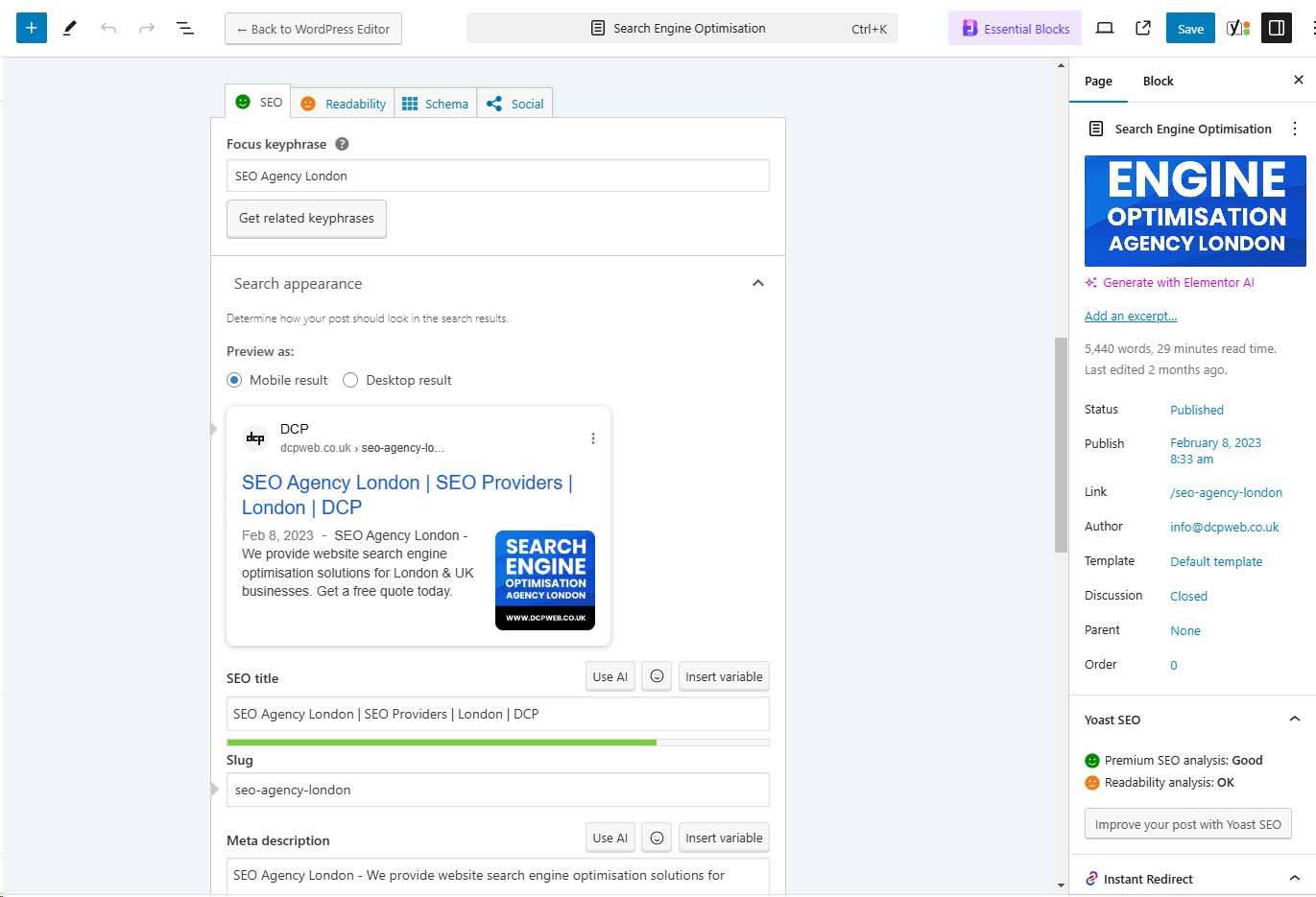
Yes, you can optimise page titles using Yoast SEO. Page titles, also known as title tags, are an important factor for SEO because they help search engines understand the content of a page and determine its relevance to a user’s search query.
Learn more about Page Titles and Meta Descriptions optimisation.
Before optimising your website, it is worth doing some Keyword Research, you can install the Keyword Surfer Chrome Extension to help with checking Keyword Phrase search volumes.
In WordPress, the page title is used as the title of a page or post, and it is displayed in the browser tab or window, as well as in search engine results.
Yoast SEO includes a feature that allows you to optimise the page titles on your WordPress website.
When you edit a page or post in WordPress, you will see a box labelled “SEO Title” where you can enter the title that you want to use for the page.
Yoast SEO will then analyse the title and provide feedback on its length and keyword usage, as well as suggestions for improvement.
This can help you create page titles that are optimised for SEO and will improve the visibility of your website in search engine results.
You can also optimise meta descriptions using Yoast SEO. Meta descriptions are HTML elements that provide a brief summary of the content of a web page.
In WordPress, the meta description is used to describe the content of a page or post, and it is displayed in search engine results below the page title.
Meta descriptions are important for SEO because they give users a preview of what the page is about and can help them decide whether to click on the search result.
Yoast SEO includes a feature that allows you to optimise the meta descriptions on your WordPress website.
When you edit a page or post in WordPress, you will see a box labelled “Meta Description” where you can enter the description that you want to use for the page.
Yoast SEO will then analyse the description and provide feedback on its length and keyword usage, as well as suggestions for improvement.
This can help you create meta descriptions that are optimised for SEO and will improve the visibility of your website in search engine results.
Does Yoast SEO support schema markup?
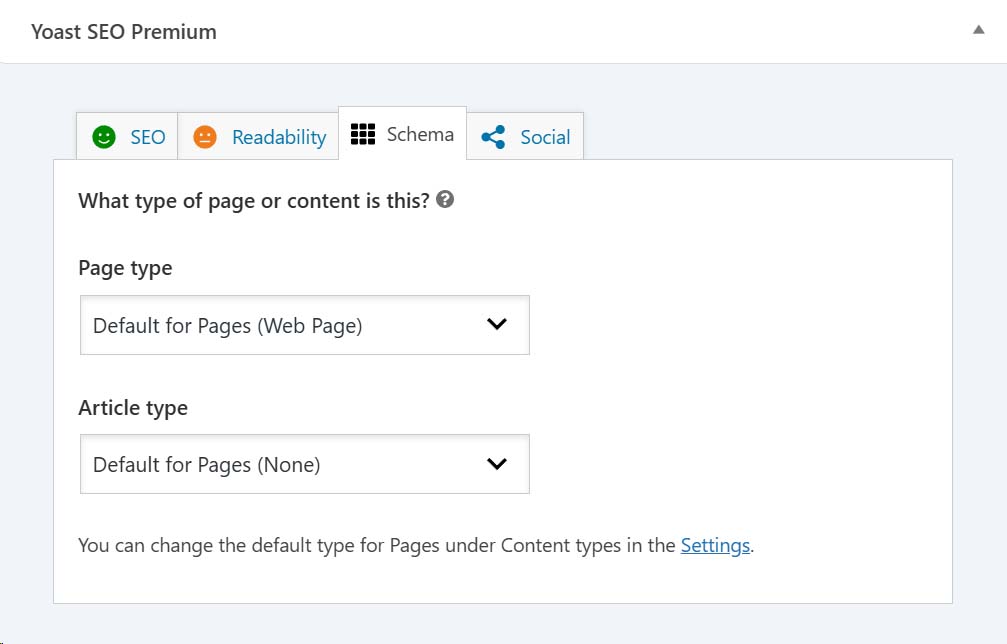
Yes, Yoast SEO supports schema markup. Schema markup is a standardised format for providing information about a web page to search engines.
It is used to help search engines understand the content of a page and provide more informative and relevant search results.
Schema markup can be added to a web page using the JSON-LD format, which is a structured data format that is supported by Yoast SEO.
Yoast SEO includes a feature that allows you to add schema markup to your WordPress website using the JSON-LD format.
You can use this feature to add schema markup to the pages and posts on your website, as well as to the global settings of your website.
This can help improve the visibility and relevance of your website in search engine results and provide users with additional information about your website and its content.
You can learn more about Schema Markup by reading: How to improve your website SEO using Schema Markup
Can Yoast SEO help me optimise my website pages?
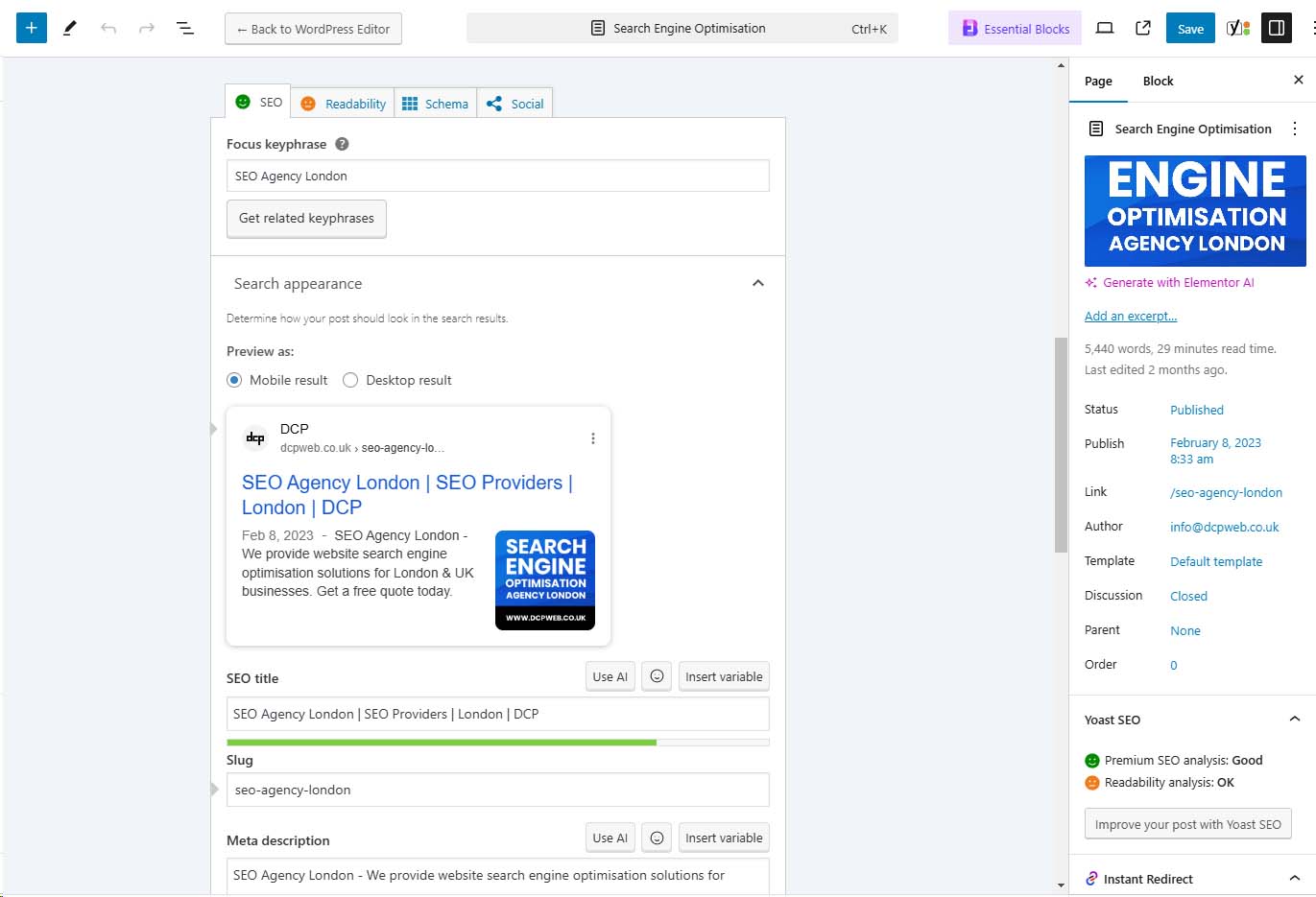
Yes, Yoast SEO can help you optimise your website pages. Yoast SEO is a WordPress plugin that includes a range of features for optimising the content of your website for search engines.
It can help you improve the visibility and relevance of your website in search engine results, and attract more organic traffic.
Some of the ways that Yoast SEO can help you optimise your website pages include:
- Providing tools for analysing the content of a page or post, and suggesting improvements to optimise it for keywords and readability
- Allowing you to add and optimise meta tags, such as the page title and meta description, to improve the visibility of your pages in search engine results
- Generating sitemaps, which are used by search engines to discover and index the pages on your website
- Managing the URL structure of your pages and posts, to ensure that they are easy to read and understand for both users and search engines
By using Yoast SEO, you can improve the SEO of your website and make it more attractive to users and search engines.
Does Yoast support multilingual websites?
Yes, Yoast SEO supports multilingual websites. Yoast SEO is a WordPress plugin that includes features for optimising the content of a website for search engines.
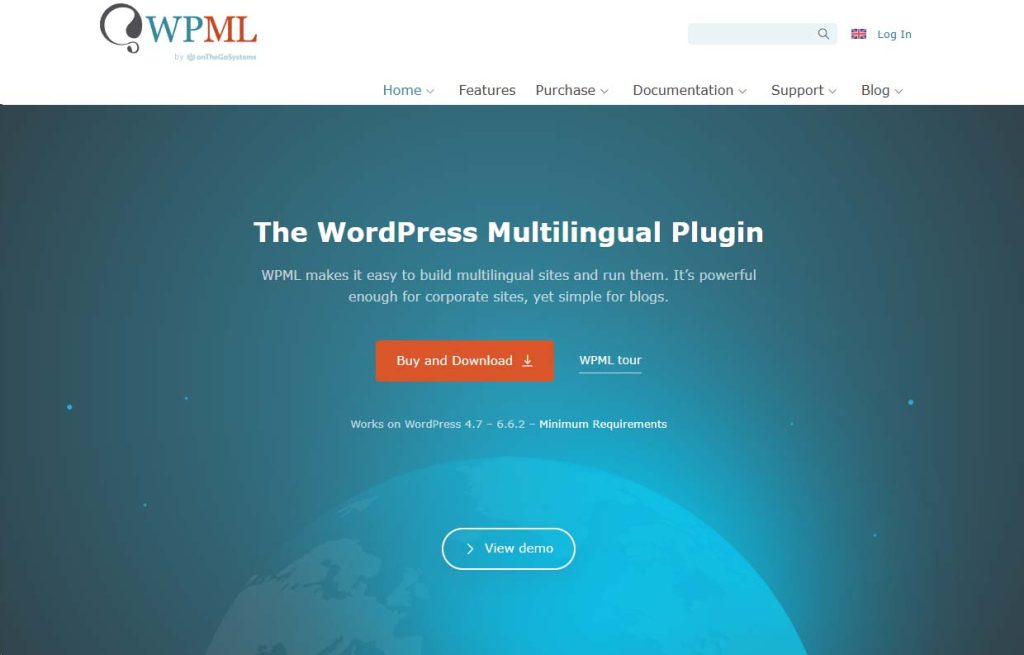
It is compatible with the WordPress Multilingual Plugin (WPML), which allows users to create and manage a multilingual website in WordPress.
With Yoast SEO and WPML, you can create a WordPress website that is available in multiple languages and use Yoast SEO to optimise the content of each language version of the website.
Yoast SEO provides tools for analysing the content of a page or post in different languages and suggests improvements to optimise it for keywords and readability.
It also allows you to add and optimise meta tags, such as the page title and meta description, in multiple languages.
This can help improve the visibility of your website in search engine results and make it more accessible to users who speak different languages.
Does Yoast support open graphs?
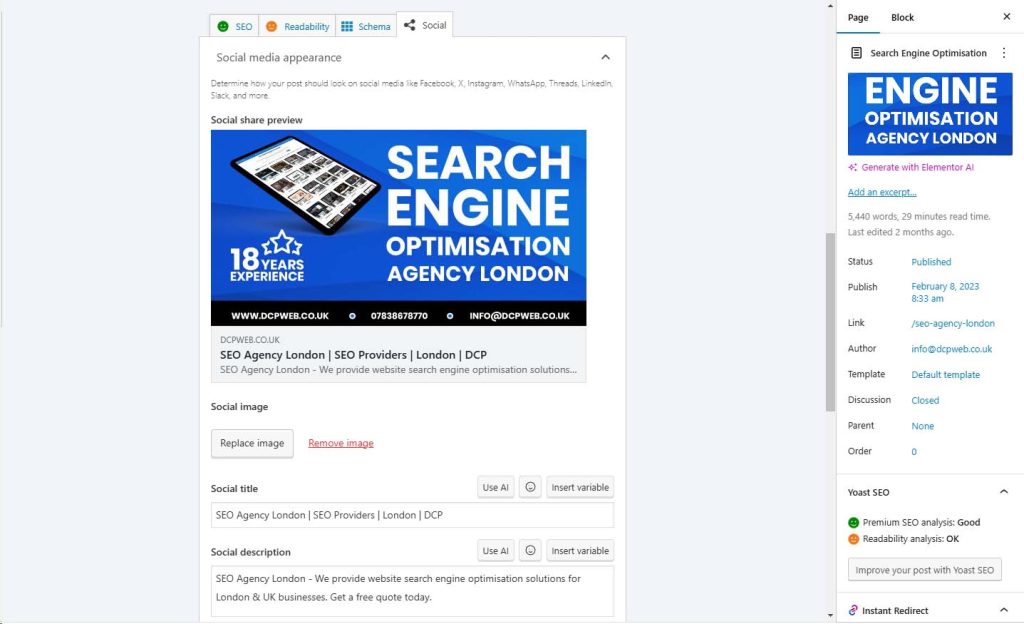
Yes, Yoast SEO supports Open Graph. Open Graph is a protocol for integrating web pages into the social graph.
It allows web pages to have the same functionality as other objects in the social graph, such as the ability to be liked, shared and recommended.
Open Graph is used by social media platforms, such as Facebook, Twitter, and LinkedIn, to provide users with a rich and engaging experience when they share a web page on their social network.
Yoast SEO includes a feature that allows you to add open graph tags to your WordPress website so that it can be shared on social media platforms.
When you edit a page or post in WordPress, you will see a box labelled “Social” where you can enter the open graph tags that you want to use for the page.
Yoast SEO will then generate the necessary code and include it in the <head> section of the page so that it can be read by social media platforms.
This can help improve the visibility of your website on social media and attract more traffic from those platforms.
Is Yoast Free?
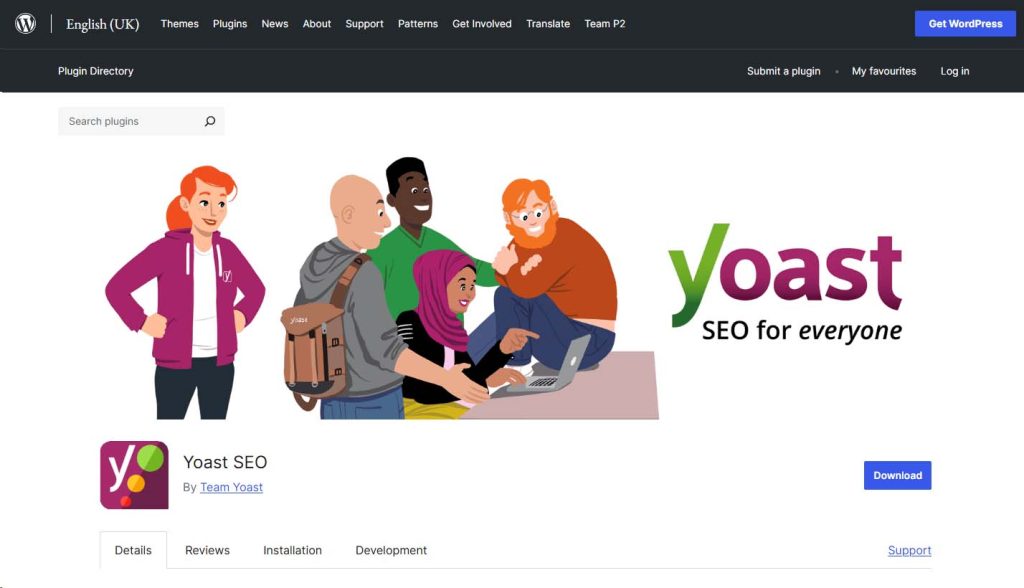
Yes, Yoast SEO is available as a free plugin for WordPress. Yoast SEO is a popular WordPress plugin that provides tools and features for optimising the content of a website for search engines.
The free version of Yoast SEO includes a range of features that can help users improve the visibility and relevance of their website in search engine results, such as tools for analysing the content of a page or post and suggesting improvements, the ability to add and optimise meta tags, and the generation of sitemaps.
The free version of Yoast SEO can be downloaded and installed from the WordPress plugin directory, and it is regularly updated with new features and bug fixes
Yoast also offers a premium version of Yoast SEO, which includes additional features and support, for a fee.
Should I buy Yoast Premium?
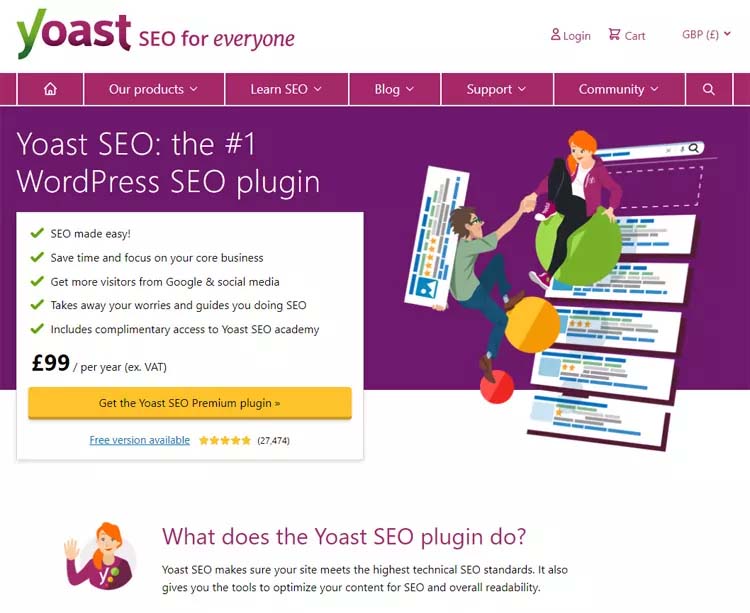
Whether you should buy Yoast Premium depends on your specific needs and requirements.
Yoast SEO is a WordPress plugin that provides tools and features for optimising the content of a website for search engines.
The free version of Yoast SEO includes a range of features that can help users improve the visibility and relevance of their website in search engine results, such as tools for analysing the content of a page or post and suggesting improvements, the ability to add and optimise meta tags, and the generation of sitemaps.
Yoast also offers a premium version of Yoast SEO, which includes additional features and support, for a fee. Some of the additional features that are included in Yoast Premium are:
- Redirect manager: allows users to manage redirects on their website and fix broken links
- Multiple keywords: allows users to optimise a page or post for multiple keywords
- Internal linking suggestions: suggests internal links on a page or post that can help improve the SEO of the website
- 24/7 support: provides access to Yoast’s support team for help with any questions or issues
Whether you should buy Yoast Premium depends on whether you need the additional features and support that it provides.
If you are satisfied with the features of the free version of Yoast SEO, you may not need to buy the premium version.
However, if you want access to the additional features and support, you may find that Yoast Premium is worth the investment.
Does Yost support 301 redirects?
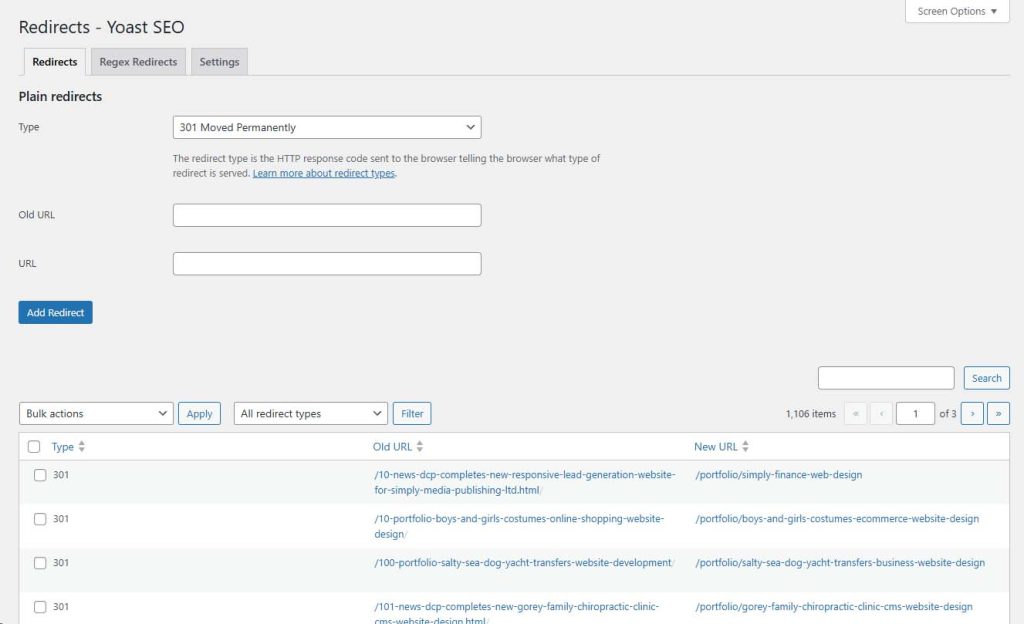
Yes, Yoast SEO supports 301 redirects. A 301 redirect is a type of HTTP status code that is used to indicate that a web page has been permanently moved to a new URL.
When a user or search engine tries to access the old URL, the web server sends a 301 redirect response, which instructs the user or search engine to go to the new URL instead. 301 redirects are commonly used when a website has been restructured or when the URL of a page has been changed.
They are important for SEO because they help maintain the authority and link equity of a web page and prevent users and search engines from accessing broken or outdated links
Yoast SEO includes a feature that allows users to manage 301 redirects on their WordPress website. The redirect manager feature allows users to create and manage redirects, and fix broken links on their website.
This can help improve the SEO of the website and provide a better user experience for users and search engines.
Only the premium version of Yoast SEO has the 301 redirects tool, if you have the free version of Yoast, then you can install a 301 redirect plugin.
What are the alternatives to Yoast SEO?
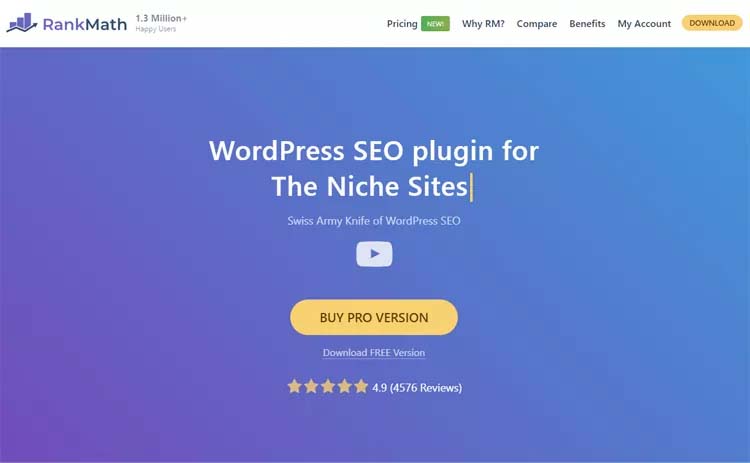
Some of the alternatives to Yoast SEO include:
- All in One SEO Pack: a popular WordPress plugin that provides tools and features for optimising the content of a website for search engines. It includes features like the ability to add and optimise meta tags, generate sitemaps, and manage redirects.
- Rank Math: a WordPress plugin that provides advanced SEO tools and features, such as support for multiple keywords, internal linking suggestions, and schema markup. It is designed to be user-friendly and easy to use.
- EO Squirrly: a WordPress plugin that provides a range of SEO tools and features, as well as a content assistant that helps users create high-quality and SEO-friendly content. It also includes features for social media management and analytics.
- SEO Ultimate: a WordPress plugin that provides a range of advanced SEO tools and features, such as support for custom post types, taxonomies, and fields. It also includes tools for analysing the content of a page or post and suggesting improvements.
These alternatives to Yoast SEO provide similar or additional features and functionality and may be suitable for users who are looking for a different option.
Should I optimise my website for SEO using the Yoast plugin?

Optimising your website for SEO using Yoast SEO is a good idea because it can help improve the visibility and relevance of your website in search engine results.
Yoast SEO is a popular WordPress plugin that provides tools and features for optimising the content of a website for search engines.
It includes features like the ability to add and optimise meta tags, generate sitemaps, and manage redirects. It also provides tools for analysing the content of a page or post and suggesting improvements to optimise it for keywords and readability.
By using Yoast SEO, you can improve the SEO of your website and make it more attractive to users and search engines.
However, it is important to note that optimising your website for SEO is just one part of a successful online marketing strategy.
In addition to using Yoast SEO, you should also focus on creating high-quality and engaging content, building a strong backlink profile, and promoting your website on social media and other online platforms.
Does Yoast offer SEO training?
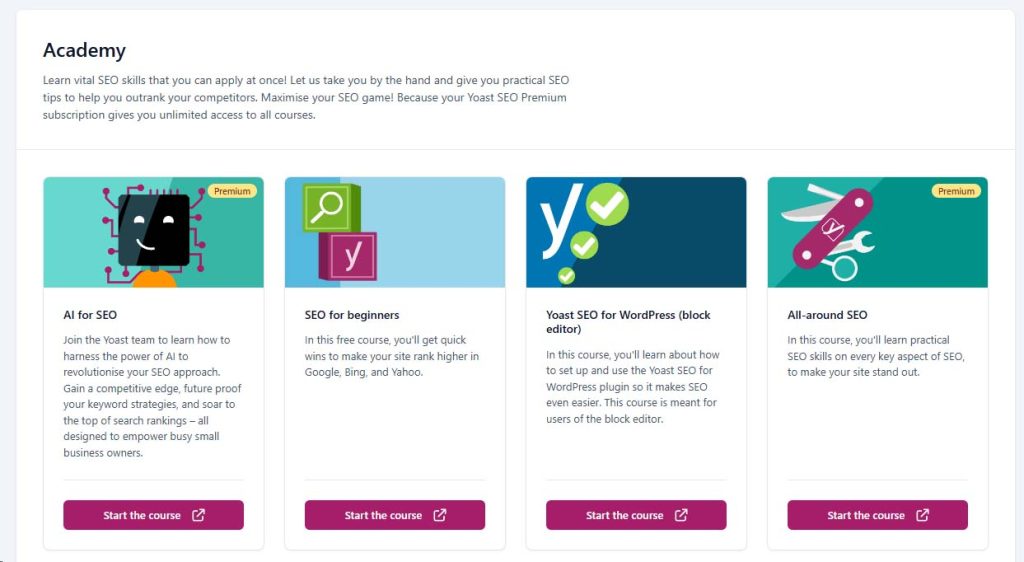
Yes, Yoast offers SEO training. Yoast is a company that specialises in WordPress plugins and services for SEO and online marketing.
In addition to developing the popular Yoast SEO plugin for WordPress, Yoast also offers a range of training and certification programs for individuals and businesses who are keen to learn more about SEO and online marketing.
Yoast’s SEO training programs are designed to provide a comprehensive and practical education in SEO, covering topics like keyword research, on-page optimisation, link building, and technical SEO.
The training programs are delivered by experienced SEO professionals who have an in-depth understanding of the latest techniques and best practices in the field.
Yoast’s SEO training programs are available in different formats, including online courses, live workshops, and certification exams. You can find more information about Yoast’s SEO training programs on their website.
10 key benefits of using Yoast SEO

1. Comprehensive On-Page SEO Analysis
Yoast SEO provides detailed on-page analysis, helping you optimise your content for SEO by suggesting improvements on keyword usage, readability, internal linking, and meta descriptions.
2. Real-Time Content Optimisation
With Yoast SEO, you can see real-time feedback on how well your content is optimised. The plugin gives you actionable recommendations to improve your content’s SEO score and readability, ensuring your pages are user-friendly and search engine-friendly.
3. Built-In Readability Checker
Yoast SEO includes a readability analysis tool that helps you write content that’s easier to read. It checks for sentence structure, paragraph length, subheadings, and more to enhance your content’s overall readability.
4. Snippet Preview for Enhanced CTR
The plugin offers a snippet preview feature that shows how your content will appear in search engine results. This helps you optimise your meta titles and descriptions for maximum click-through rates (CTR).
5. Comprehensive Keyword Optimisation
Yoast SEO allows you to optimise your content for a focus keyword, as well as related keywords with the premium version. This feature ensures you target relevant search terms and improve your chances of ranking higher.
6. Internal Linking Suggestions
Internal linking is crucial for site navigation and SEO, and Yoast SEO makes this easier by suggesting relevant content to link to within your website. This feature boosts site structure and helps distribute link equity across your pages.
7. XML Sitemap Generation
Yoast SEO automatically generates XML sitemaps, making it simple for search engines to index your website. This saves time and ensures that all important pages are included in search engine crawls.
8. SEO Management for Multiple Post Types
Whether you’re managing blog posts, pages, or custom post types, Yoast SEO provides SEO optimisation capabilities for all of them, allowing you to maintain consistency across different sections of your website.
9. Breadcrumb Navigation
Yoast SEO helps you create and manage breadcrumb navigation for your site, improving the user experience and helping search engines better understand your website structure. This feature can increase dwell time and reduce bounce rates.
10. Social Media Integration
With Yoast SEO, you can control how your content appears on social media platforms. It allows you to customise meta titles, descriptions, and featured images for Facebook and Twitter, enhancing your social media presence and click-through rates.
These benefits make Yoast SEO a powerful tool for enhancing the visibility and performance of your WordPress website.
Summary
If you are running a WordPress website, then the Yoast SEO plugin is a great option for completing SEO optimisation on your website.
The plugin integrates across all pages, blog posts and event custom post types.
I would suggest installing the free version of the Yoast SEO plugin to give it a try, there is a lot of useful documentation on the Yoast SEO website, so learning about this plugin should be as simple as following the instructions.
It is advisable to first understand the concepts of search engine optimisation before you start optimising your website.
- Custom web design
- Secure and fast website solution
- Full management training
- Take control of your website
- SEO optimisation
- Reliable web hosting and emails
Article by Pankaj Shah: DCP Web Designers

