

Web designers constantly seek ways to improve their workflows, enhance creativity, and accelerate the design process. Thankfully, there are countless online tools and resources available that make the job easier, whether you’re a seasoned professional or just starting your website design journey.
In this post, we’ll explore some of the best helper sites for web designers, covering tools for design inspiration, code generation, asset creation, and productivity.
Get Waves
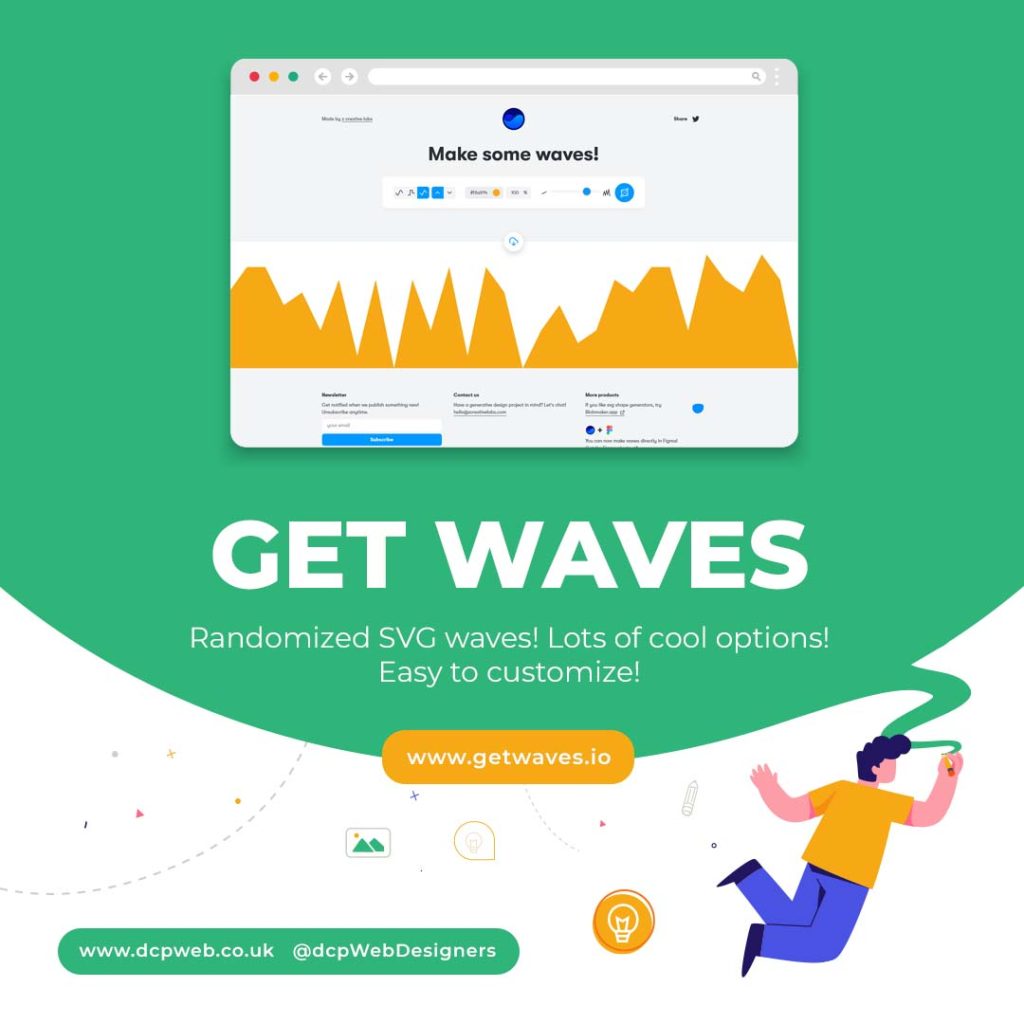
Get Waves is a fantastic resource for creating beautiful, customisable SVG wave patterns. These waves are perfect for adding a dynamic visual element to your website backgrounds or section dividers. The site offers a simple, intuitive interface that allows you to adjust wave height, colour, and smoothness before exporting the final SVG file. This makes it a favourite among web designers looking to add a touch of fluid design to their projects.
Key Features:
- Generate unique, customisable SVG wave designs
- Easy export options
- No design skills required
Wordmark
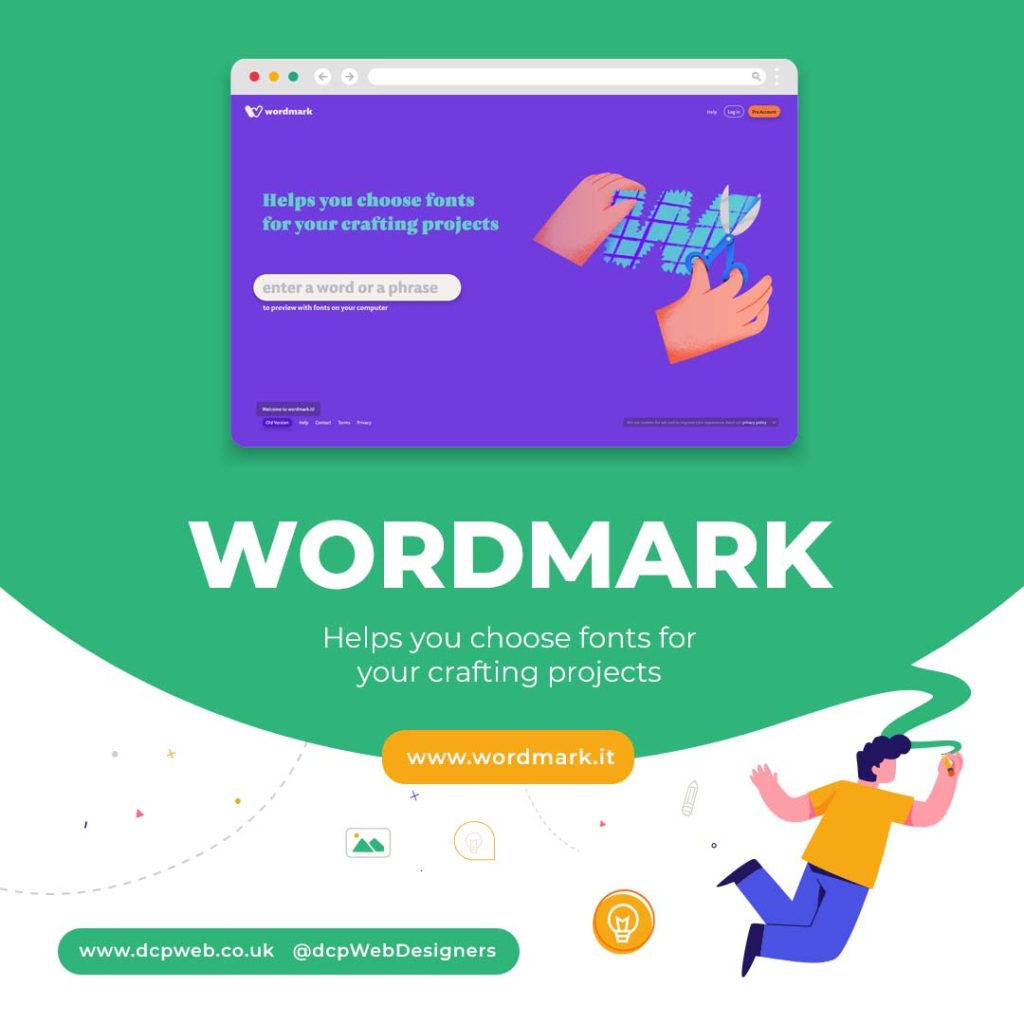
Wordmark is a powerful tool for previewing and selecting the perfect font for your design projects. Simply type in a word or phrase, and Wordmark will display it in every font installed on your computer. This is a huge time-saver for designers who want to quickly compare different font styles without manually cycling through each option in their design software.
Key Features:
- Preview text in all installed fonts
- Filter by font style and weight
- Supports Google Fonts and Adobe Fonts
Omatsuri
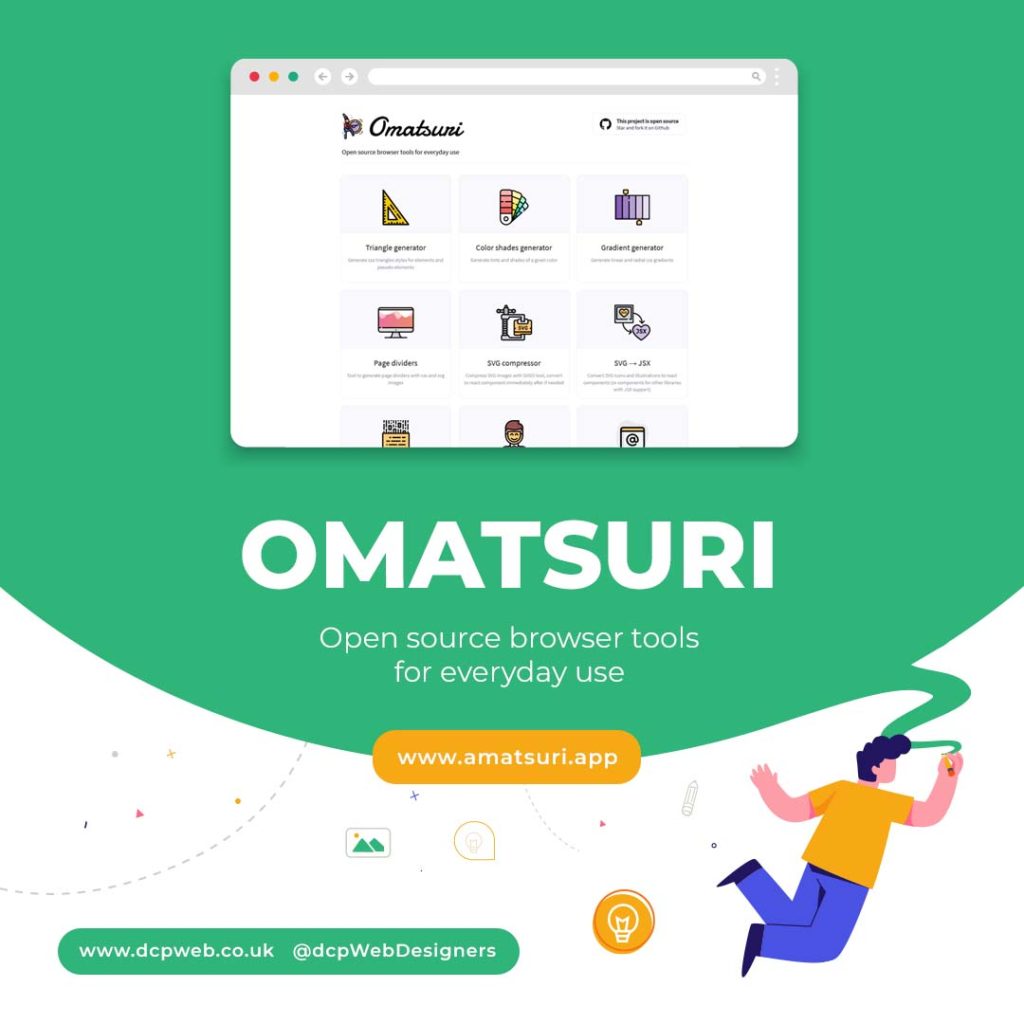
Omatsuri is a collection of simple, open-source tools for everyday web design tasks. It includes utilities for generating CSS gradients, SVG shapes, base64 encoders, and even lorem ipsum text. This all-in-one toolkit is a must-have for web designers looking to streamline their daily tasks without switching between multiple apps.
Key Features:
- Wide range of design tools
- Free and open-source
- Clean, ad-free interface
Haikei
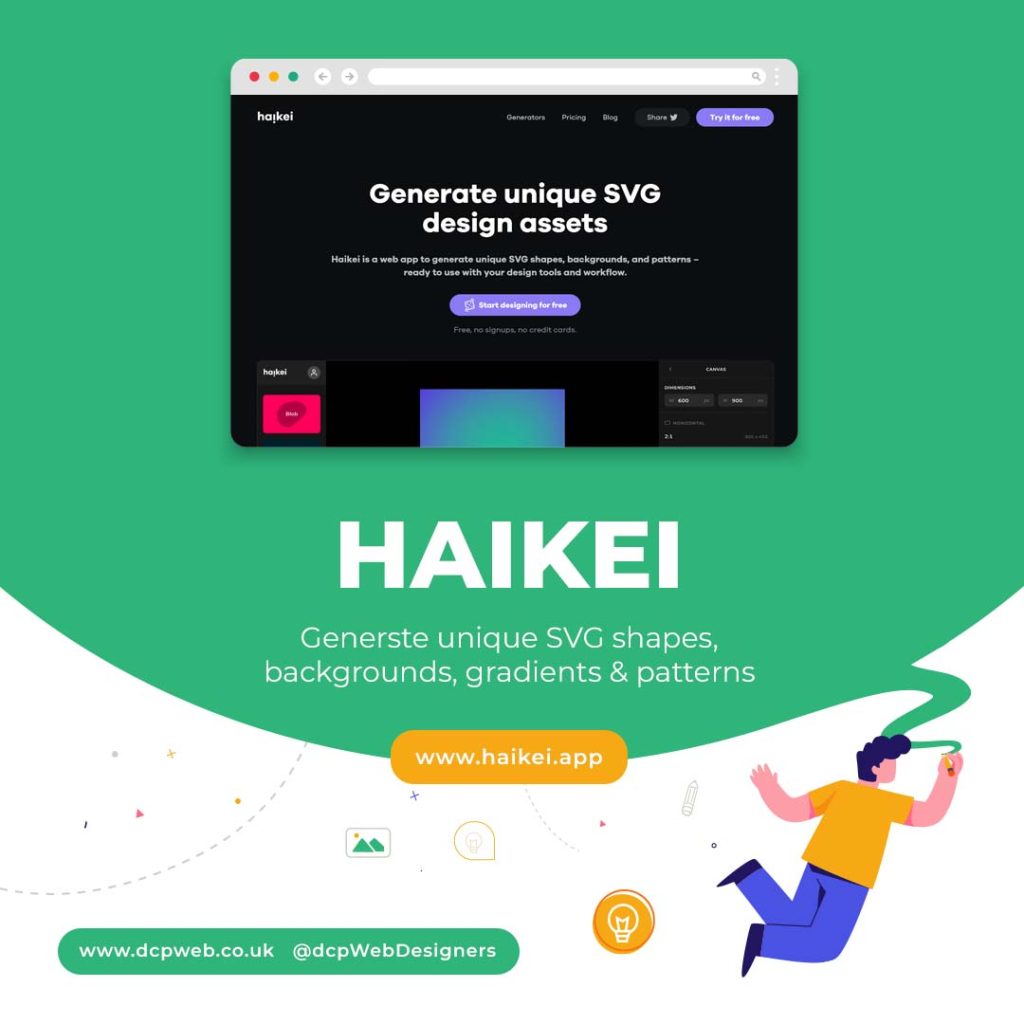
Haikei is a creative generator for unique, high-quality SVG backgrounds, patterns, and abstract shapes. It’s perfect for designers looking to add visually engaging elements to their projects. With its wide range of patterns, textures, and gradients, Haikei offers endless design possibilities.
Key Features:
- Generate complex SVG designs
- High-quality exports
- Real-time design adjustments
Playbook
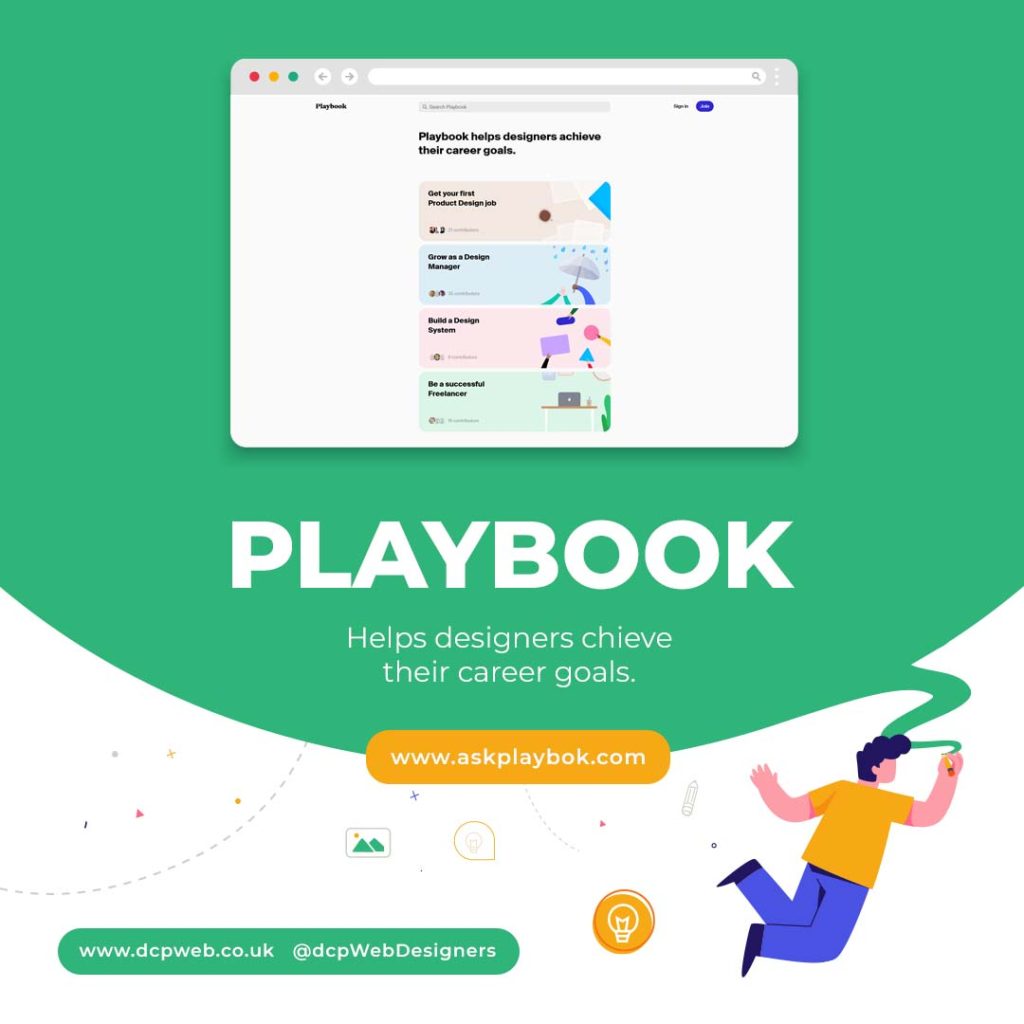
Playbook is a collaborative design platform that helps teams organise, share, and review design assets in one place. It’s ideal for agencies and freelance designers who need to manage multiple projects and clients. Playbook also offers powerful search and tagging features, making it easy to find exactly what you need when you need it.
Key Features:
- Centralised asset management
- Collaboration tools for teams
- Powerful search and tagging
Tiny Helpers
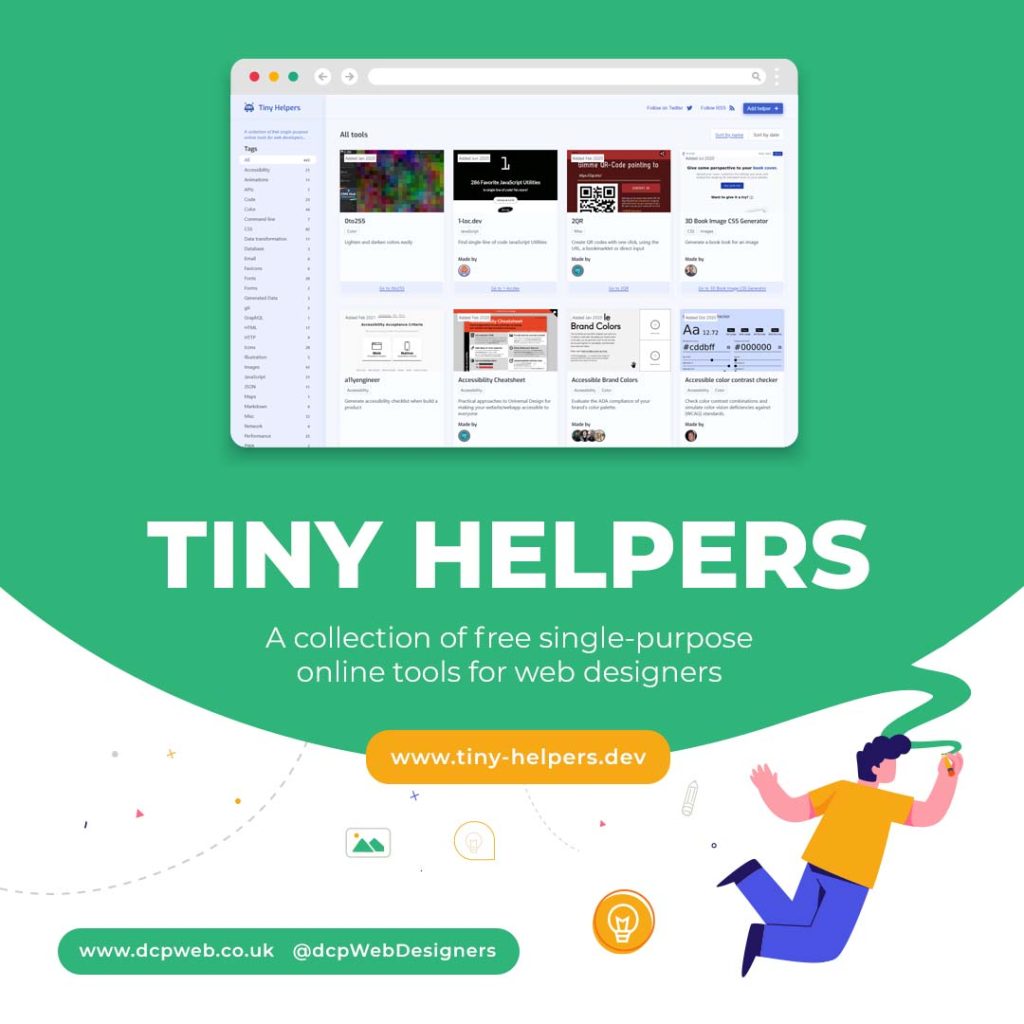
Tiny Helper is a curated collection of small, free, and incredibly useful tools for developers and designers. It covers a wide range of utilities, including CSS generators, favicon creators, colour pickers, and accessibility checkers. Tiny Helper is perfect for quickly solving small design and development problems without the need for bulky software.
Key Features:
- Huge collection of bite-sized tools
- Free to use and regularly updated
- Ideal for quick design and development tasks
Conclusion
Whether you’re creating custom wave backgrounds, selecting the perfect font, or managing your design assets, these helper sites can significantly improve your workflow as a web developer.
By integrating these tools into your daily routine, you can streamline your creative process, reduce time spent on repetitive tasks, and deliver polished, professional results to your clients.
Give these tools a try and take your web design projects to the next level.

