

SEO is essential for any WordPress website aiming to rank higher on Google and other search engines.
Whether you’re running a blog, an online store, or a business website, optimising your WordPress site for SEO (Search Engine Optimisation) can significantly boost organic traffic, improve user experience, and increase conversions.
In this article, we provide a complete SEO checklist for WordPress websites in 2025, covering both basic and advanced techniques to ensure your site is fully optimised for success.
1. Choose an SEO-Friendly WordPress Theme

Your website’s theme plays a crucial role in its performance and search engine ranking. A well-coded, SEO-friendly theme ensures your site is fast, mobile-responsive, and easily crawlable by search engines.
- Look for themes with clean code, fast loading times, and responsive design.
- Recommended themes: Astra, GeneratePress, and Neve.
- Use Google’s Mobile-Friendly Test to ensure your theme is optimised for mobile users.
2. Set Up Permalinks Correctly
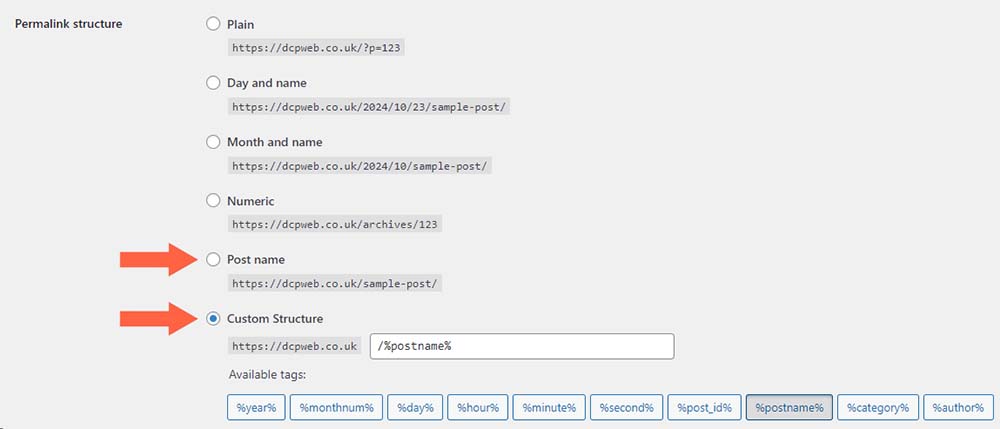
Permalinks are the URLs for your posts and pages. SEO-friendly URLs should be descriptive, clean, and include relevant keywords.
- Navigate to Settings > Permalinks in your WordPress dashboard.
- Select the Post Name option for a cleaner URL structure (e.g., www.yourwebsite.com/sample-post).
3. Install an SEO Plugin
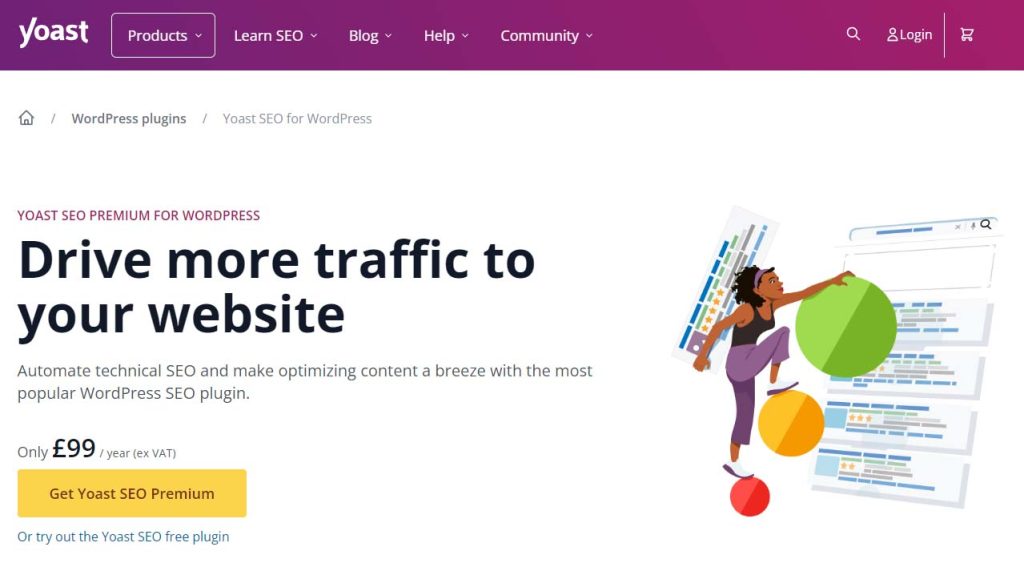
SEO plugins simplify the process of optimising your site. They provide tools to manage meta descriptions, titles, XML sitemaps, and more.
Recommended SEO Plugins:
- Yoast SEO: Offers comprehensive tools for on-page SEO.
- Rank Math: A lightweight plugin with advanced features like schema markup and keyword analysis.
- All in One SEO Pack: Great for beginners and advanced users alike.
4. Conduct Keyword Research

Keyword research helps you understand what your audience is searching for and ensures your content aligns with their needs.
- Tools for Keyword Research:
- Focus on long-tail keywords with lower competition for better chances of ranking.
5. Optimise Your Titles and Meta Descriptions
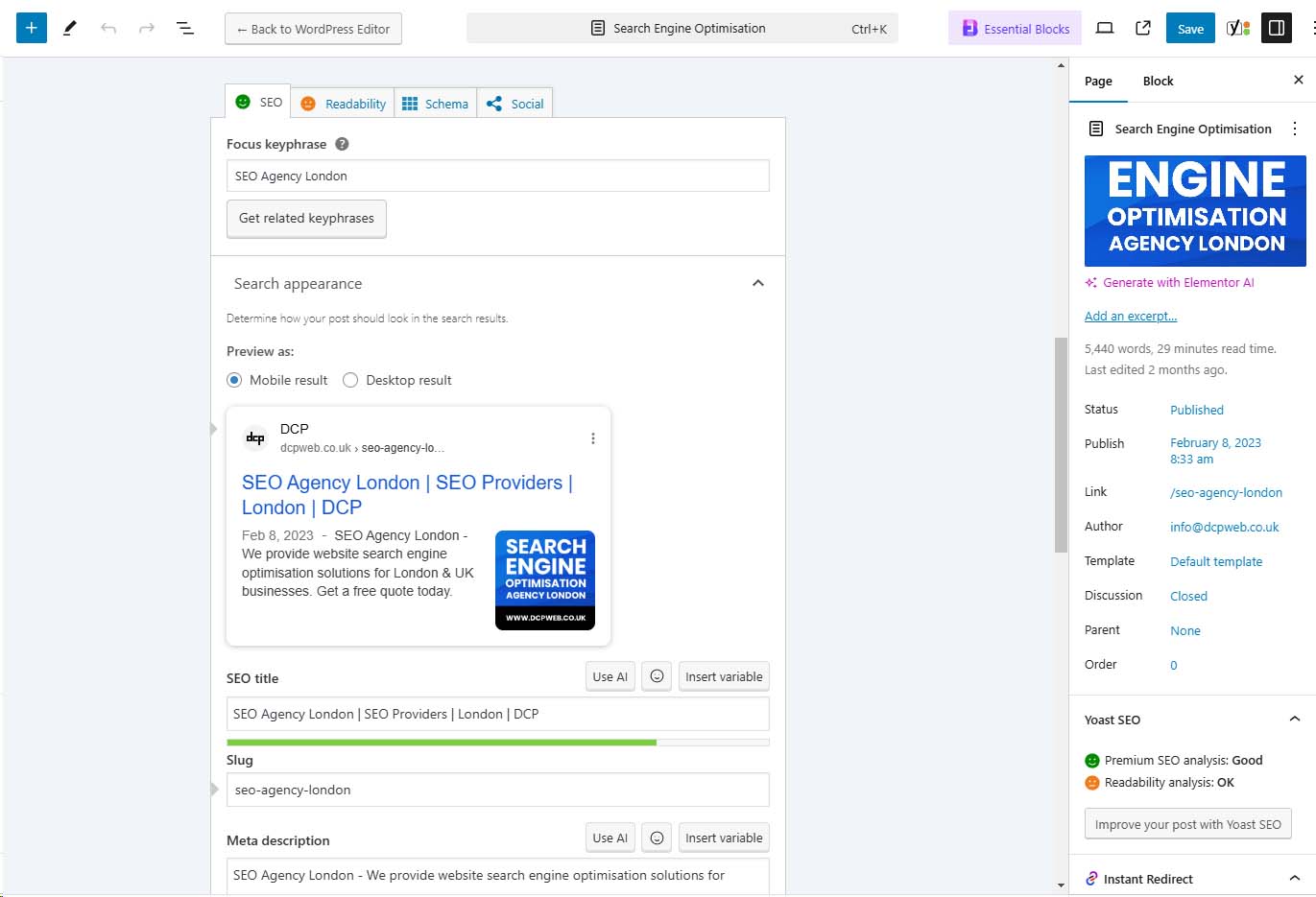
Meta titles and descriptions appear in search engine results and influence click-through rates.
- Include your primary keyword in the title and meta description.
- Keep the title under 60 characters and meta description under 160 characters.
- Make your meta descriptions compelling and actionable.
Example:
- Title: “The Ultimate WordPress SEO Guide for 2025”
- Meta Description: “Learn proven strategies to optimise your WordPress website for SEO in 2025. Boost rankings, traffic, and conversions today!”
6. Use Heading Tags Strategically

Heading tags (H1, H2, H3, etc.) structure your content and improve readability for both users and search engines.
- Use one H1 tag per page (usually the title of the post).
- Break up content with H2 and H3 tags for subheadings.
- Include keywords naturally in your headings.
7. Optimise Images for SEO
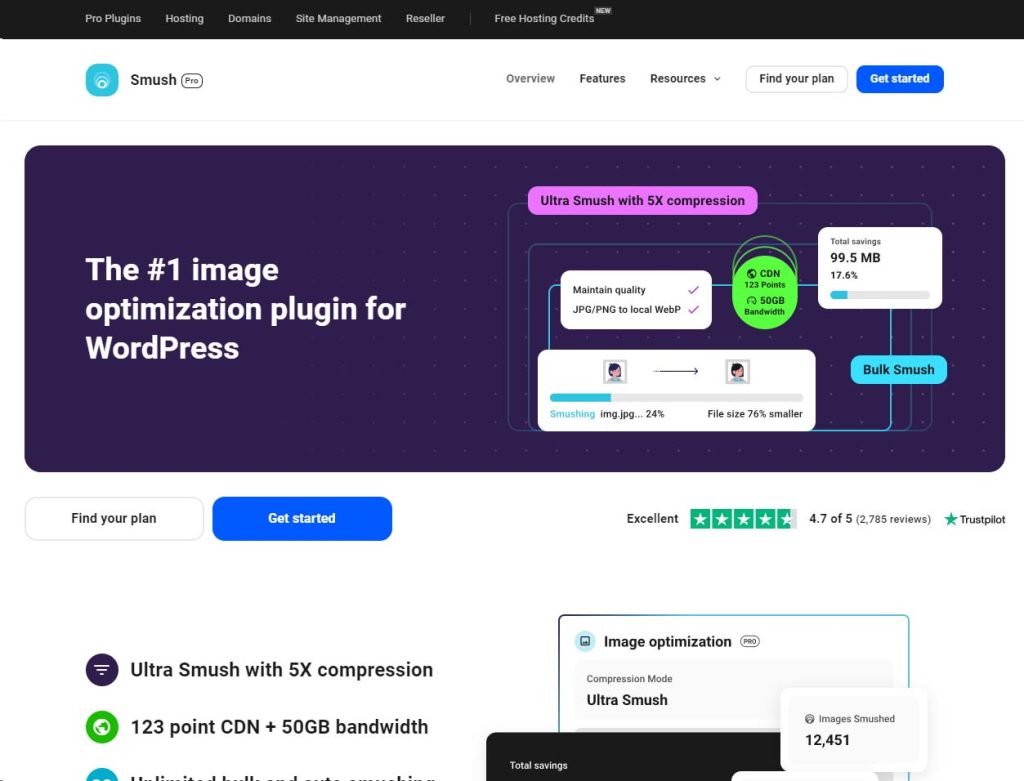
Images are essential for engagement but can slow down your site if not optimised. Proper image optimisation improves load times and enhances SEO.
Best Practices:
- Compress images using tools like TinyPNG or plugins like Smush.
- Use descriptive filenames (e.g., seo-checklist-2025.jpg).
- Add alt text to images, including relevant keywords.
8. Leverage Internal Linking

Internal links connect your content, making it easier for users and search engines to navigate your site.
- Link to relevant posts and pages within your content.
- Use descriptive anchor text that includes keywords (e.g., “Learn more about [WordPress SEO tips].”).
- Avoid overloading pages with too many internal links.
9. Create a Sitemap and Submit it to Search Engines

An XML sitemap helps search engines crawl and index your site efficiently.
- Use your SEO plugin (e.g., Yoast SEO or Rank Math) to generate a sitemap automatically.
- Submit your sitemap to search engines:
- Google: Use Google Search Console.
- Bing: Use Bing Webmaster Tools.
10. Enable Gzip Compression and Browser Caching

Faster websites rank better and provide a superior user experience. Gzip compression and browser caching reduce file sizes and load times.
- Install plugins like WP Rocket or W3 Total Cache to enable these features.
- Test your site speed using tools like Google PageSpeed Insights or GTmetrix.
11. Secure Your Website with HTTPS

Search engines prioritise secure websites. Installing an SSL certificate ensures your site uses HTTPS, which is critical for both SEO and user trust.
- Most hosting providers offer free SSL certificates.
- Verify your SSL installation using tools like Why No Padlock?.
12. Write High-Quality, Engaging Content

Content remains king in SEO. Search engines favour websites that provide value to users.
- Focus on creating long-form, in-depth articles (1,000+ words) for competitive topics.
- Address your audience’s pain points and provide actionable solutions.
- Update older content regularly to keep it fresh and relevant.
13. Enable Mobile Responsiveness

With mobile-first indexing, Google ranks mobile-friendly sites higher. Ensure your site works seamlessly on all devices.
- Test your website using Google’s Mobile-Friendly Test.
- Use responsive themes and optimise media for smaller screens.
14. Use Schema Markup

Schema markup enhances your site’s appearance in search results by adding rich snippets (e.g., star ratings, FAQs, and product details).
- Add schema markup using plugins like Schema Pro or Rank Math.
- Test your structured data using Google’s Rich Results Test.
15. Improve Website Load Times
Slow websites lead to higher bounce rates and lower rankings. Optimising for speed is critical in 2025.
Key Strategies:
- Use a caching plugin (e.g., WP Rocket).
- Minify CSS, JavaScript, and HTML files using Autoptimize.
- Use a Content Delivery Network (CDN) like Cloudflare.
16. Optimise for Local SEO

If your business serves a specific geographic area, local SEO is essential.
- Set up and optimise your Google My Business profile.
- Include local keywords in your content (e.g., “best café in London”).
- Add your address, phone number, and operating hours to your website.
17. Monitor and Fix Broken Links
Broken links frustrate users and can harm SEO.
- Use plugins like Broken Link Checker to identify and fix broken links.
- Regularly audit your website for outdated or incorrect links.
18. Integrate Social Media Sharing

Social signals may not directly impact SEO, but they drive traffic and increase brand visibility.
- Use plugins like Social Warfare or AddToAny to add social sharing buttons.
- Encourage visitors to share your content on platforms like Facebook, Twitter, and LinkedIn.
19. Monitor Website Analytics
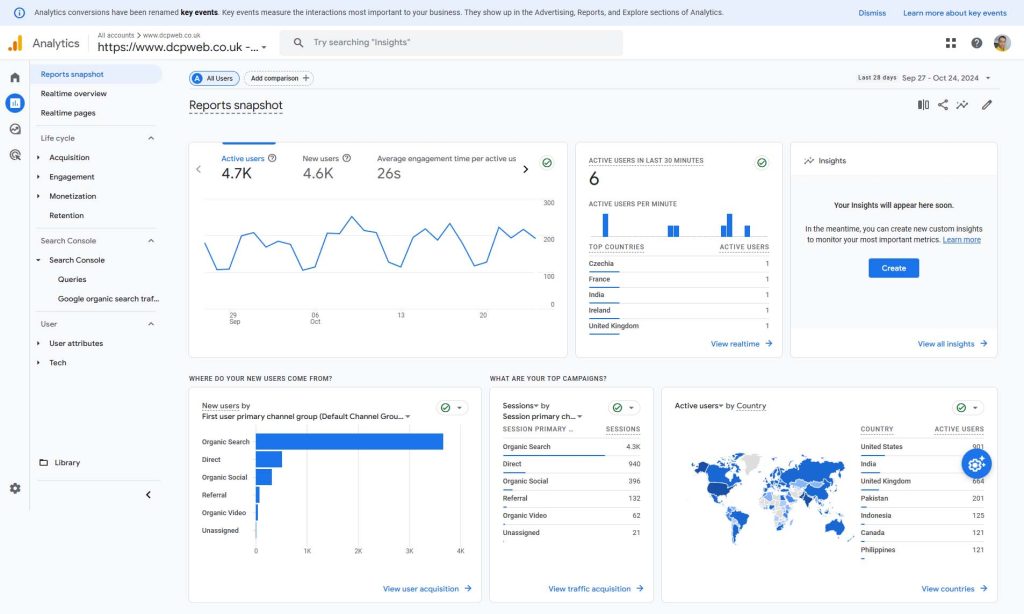
Tracking your website’s performance helps identify areas for improvement.
- Use Google Analytics to monitor traffic, bounce rates, and user behaviour.
- Combine with Google Search Console to track keyword rankings and indexation issues.
20. Keep Your Website Updated

Regular updates ensure your WordPress core, themes, and plugins are secure and compatible with the latest SEO standards.
- Enable automatic updates where possible.
- Use a staging site to test updates before applying them to your live site.
Conclusion
Optimising your WordPress website for SEO in 2025 requires a combination of technical adjustments, content strategy, and ongoing maintenance. By following this comprehensive checklist, you’ll ensure your site not only ranks higher in search engines but also delivers a seamless user experience.
SEO is an ongoing process, so regularly audit your site, stay updated on SEO trends, and make adjustments as needed. With the right approach, your WordPress website can become a powerful tool for driving organic traffic and achieving your business goals.

