

WordPress.com and WordPress.org might sound nearly the same, but trust me, they’re very different beasts. It’s easy to get them mixed up, especially if you’re new to building websites or blogs. Most people just want their site to work, not to study every tiny difference.
Knowing which version to use could save you time, money, and a fair bit of hassle down the line. If you want a website you truly own, the choice matters a lot. Or maybe you just want something simple and hands-off so you don’t have to tinker under the bonnet. Either way, picking the right one from the start will set you up for less frustration and more success.
This guide breaks down the crucial differences, so you’ll know exactly what you’re signing up for before you sink your energy, or budget, into the wrong platform.
Understanding the Core Differences
Before you pick a platform, it helps to get a grip on what makes WordPress.com and WordPress.org so different at their core. Even though both carry the WordPress name, the way they work and what you get out of them can feel like night and day once you get past the homepage.
What really separates the two is the approach to WordPress website ownership, who controls the hosting, and how much say you have in the running of your own site. These aren’t small details, either-they shape everything from the features you can use all the way to how you protect your data, manage your budget, and even move your site in the future.
As we dig deeper, you’ll see how your choice affects not just the techy stuff in the background, but also your day-to-day experience online. The next sections break it all down, laying out the key differences to help you make the right call with your project.
What Is the Difference Between WordPress.com and WordPress.org?
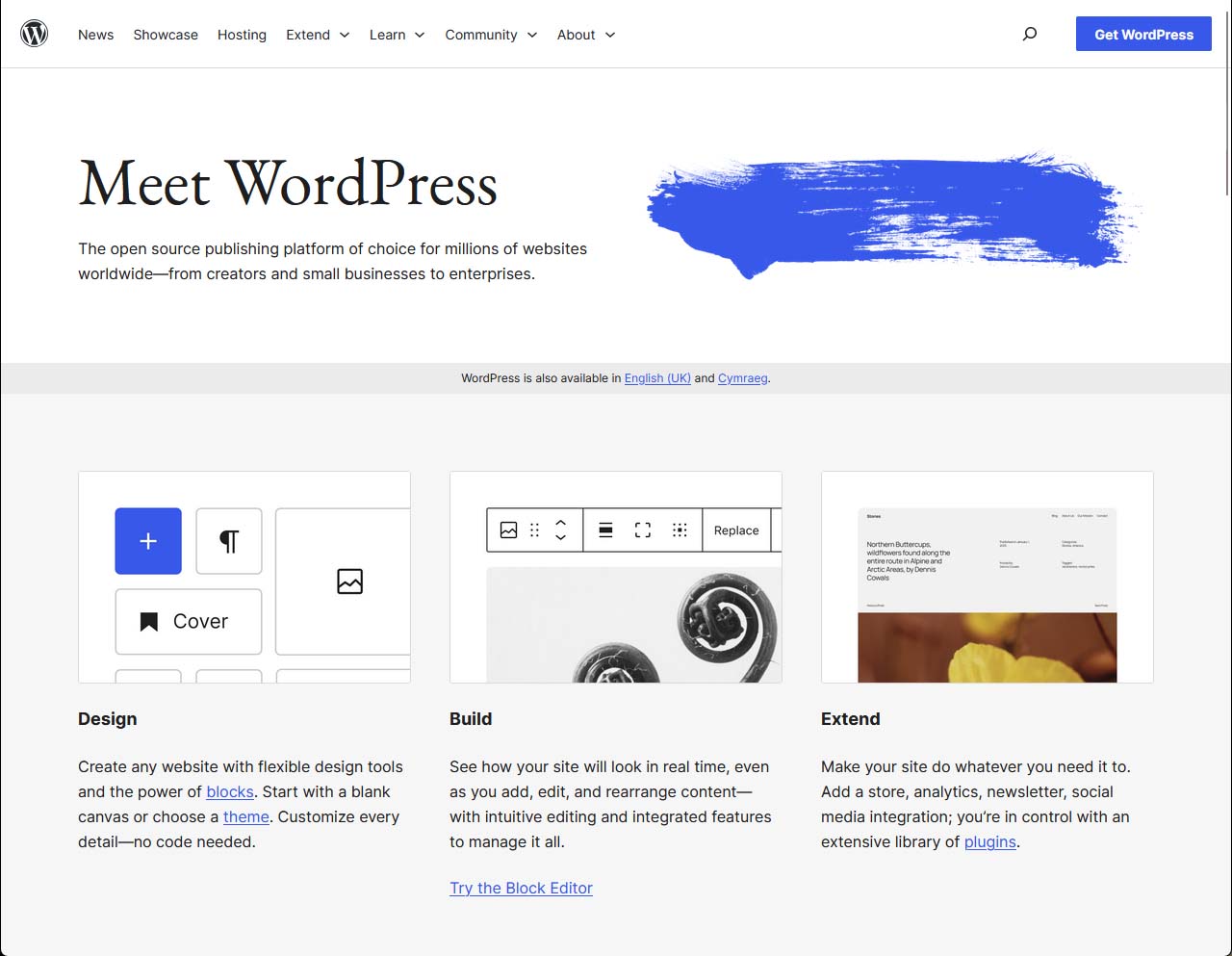
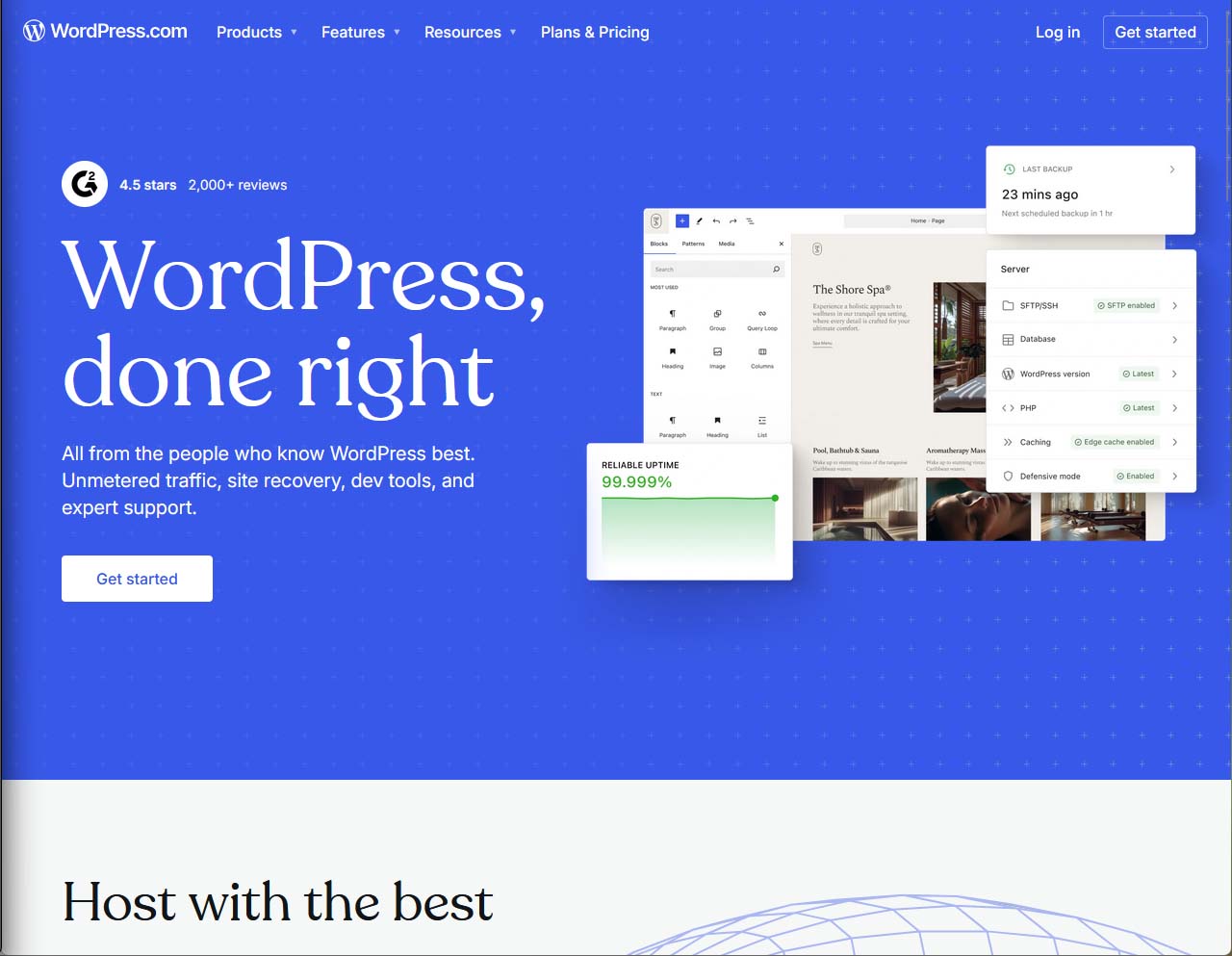
At its simplest, WordPress.com is a hosted service, while WordPress.org is open-source software you download and run yourself. Think of WordPress.com as a website you sign up to, just like you would for email or social media, and they handle the technical side for you. Hosting, updates, backups, basic security-that’s all rolled in, so you don’t have to worry about the nuts and bolts.
With WordPress.org, you grab the free source code and install it on your chosen web host. You get full freedom, but you’re also the person responsible for everything: choosing hosting, sorting out updates, and keeping an eye on security. No one is holding your hand, but you can take your website anywhere and kit it out any way you like.
In short, WordPress.com is about convenience with limits, while WordPress.org is about control with responsibility. One is managed for you (but comes with house rules), the other is yours to run as you see fit-even if you occasionally break something in the process.
Website Ownership and Control
With WordPress.com, your site technically sits on WordPress’s servers, under their rules. You own your content, but they power the whole website and can set restrictions or remove your site if you break their terms. Custom code tweaks or deep backend access are off-limits for most plans.
On WordPress.org, you’re the boss. You own your domain, your files, your data, and can run any code you fancy. There are no forced adverts or surprise takedowns. You’re also responsible for keeping everything compliant with privacy rules, but you get total freedom, now and for the future.
Hosting and Technical Management Compared
If you’ve ever felt your eyes glaze over talking about servers, don’t worry-this bit stays human. The type of hosting and how much “techy stuff” you have to do is a deal breaker for many people looking at these two options.
On the one hand, WordPress.com hands you a ready-to-go website, no separate bills for hosting or fiddly server menus. On the other, WordPress.org leaves the door wide open but expects you to set up your own corner of the internet. Each path asks for a slightly different set of skills, and each comes with its own mix of freedom and work.
The next sections will unpack how easy it actually is to get started, how much maintenance you’ll be saddled with, and which option could have you pulling your hair out behind the scenes.
Website Hosting on WordPress.com vs WordPress.org
With WordPress.com, you’re getting a bundle: the hosting, the updates, and the platform all in one. There’s no need to shop for web hosting companies or mess about with FTP. From day one, your site lives on their managed servers, which makes life easy for beginners and those who hate tinkering with tech.
WordPress.org flips the script. You need to sign up with a third-party hosting provider and pay for your own server space. It’s you who has to install WordPress, connect your domain, and manage all the settings. Your site is as fast, secure, or expandable as you (and your hosting company) make it.
This do-it-yourself approach means more flexibility if you want it, pick any hosting company, configure your performance tools, or scale up as your site grows. But you’re also the one who must deal with everything that goes wrong, and the bill for performance extras is yours too.
Ease of Use and Technical Requirements
If you want simple, WordPress.com is about as straightforward as it gets. Register, pick a theme, start posting-it’s built for busy people who don’t want to learn code or server management. Most updates and technical issues are handled behind the scenes by their team.
WordPress.org, though, expects a bit more from you. You need to know how to install the software, manage updates, and maybe poke around in settings now and then. The learning curve is steeper, but you get way more power if you have the patience or a tech-savvy friend to help out.
WordPress.com Pricing and Costs
Money always comes into play, and the costs of running a site can add up in ways people don’t expect. WordPress.com uses a tiered plan system, where the more you pay, the more you get unlocked. Features like custom plugins, advanced design tweaks, or ecommerce usually sit behind their pricier Business or Commerce plans.
With WordPress.org, the software itself is free, which sounds blissful, but nothing in life is really without a price tag. You’ll still need to budget for hosting, your domain name, security extras, and maybe a few handy plugins. Sometimes, what looked “free” at first ends up costing just as much as a subscription plan. The details matter, especially if you’re watching every penny.
The next sections walk you through what’s actually included at each WordPress.com plan level, where the free plan’s limits start to pinch, and why running a WordPress.org site also needs a budget plan for all the extras.
Free and Paid Plans on WordPress.com
- Free Plan: Basic site with a WordPress.com subdomain, limited storage, and ads you can’t remove.
- Personal Plan: Own domain name, remove ads, more storage, and support, but no extra customisation or plugins.
- Premium Plan: Advanced design tools, more storage, video hosting, and some income options like simple payments.
- Business Plan: Full plugin and theme support, Google Analytics, 24/7 support, and more control over your site.
- Commerce Plan: Everything in Business plus full ecommerce, selling products, payments, and advanced marketing tools.
The higher the tier, the more control and options you unlock. Most serious businesses need at least the Business plan.
Hidden Costs of Self-Hosted WordPress.org
WordPress.org’s software doesn’t cost a thing, but running your site still comes out of your pocket. You’ll need to pay for web hosting, and prices can range from a few pounds a month for basic shared hosting to much more for dedicated servers. If you want your own custom domain, that’s another yearly charge.
Don’t forget SSL certificates either, which can be free sometimes, but often cost extra for proper security. Add in costs for premium plugins, special themes, backup services, and the odd need for developer help, and the “free” part starts to look more like the tip of the iceberg.
For a UK user, you might pay £15-£45 per month for decent hosting, £10-£20 a year for your domain, plus anything extra for plugins, design, or email. Over a year, that can easily match or beat a mid-tier WordPress.com plan, especially if your site grows, or you want extra features. Always budget for more than just web hosting-you’re running your own online property after all.
Plugins, Themes, and Customisation Differences
This is where the gulf between WordPress.com and WordPress.org really shows. Plugins and themes are like the secret sauce of any WordPress site-you use them to add features, change the look, and do just about anything you can dream up.
On WordPress.org, you get the whole pantry. Install any plugin or theme, edit the code, and personalise every inch. With WordPress.com, especially on the lower plans, the shelves are a bit empty. You get some official themes and a handful of options, but the good stuff-custom plugins, advanced builders, and serious tweaks-only appears if you move to the Business plan or higher.
Below, we’ll get into the details: how each platform handles plugins, how much you can really change your theme, and where the limits start to show before you have to upgrade or move platform entirely.
Using Plugins for WordPress.com and WordPress.org
- WordPress.com (Free, Personal, Premium plans): No support for uploading custom plugins at all. You’re limited to built-in options and can’t add third-party features like WooCommerce or Yoast SEO.
- WordPress.com (Business, Commerce plans): Unlocks support for uploading and managing plugins-including thousands from the official WordPress repository. Still, there are some restrictions on more complex or resource-heavy plugins.
- WordPress.org: Total freedom to install any plugin, premium or free, or write your own. From advanced SEO, ecommerce, and analytics tools to drag-and-drop builders, nothing’s off limits.
If flexibility matters most, WordPress.org always wins-especially if your future plans might need more power or features than WordPress.com’s plans allow.
Themes and Appearance Settings
With WordPress.com, your theme options are limited unless you pay for a higher plan. On free or low-tier plans, you pick from a curated collection and can only change colours, backgrounds, and layouts to a point. Full custom themes or page builders are possible only on Business or Commerce plans.
WordPress.org opens every door. Choose from thousands of free and premium themes, modify code, and integrate any page builder or design tool. There are no restrictions at all-if you know what you want your site to look like, you can build it exactly that way.
SEO, Security, and Monetisation Options
You want your site to be found, be safe, and maybe even make a bit of money. WordPress.com and WordPress.org both let you achieve these goals, but not always in the same way or with the same level of control.
SEO tools, security updates, and money-making features differ a lot between the two. Some things need plugins you might not get on WordPress.com unless you’re on a top plan, while other features are baked in and ready to go for anyone.
The next sections will break down exactly what support and tools you get for SEO, what’s handled for you regarding security, and what you need to do yourself if you’re going the WordPress.org route. We’ll also look at how each lets you add ads, run an online shop, or sell digital products without endless hoops to jump through.
SEO Features and Plugin Support
WordPress.com gives you basic SEO settings on all plans, but advanced features (like adding custom meta tags, sitemaps, or Google Analytics) only unlock on the Business plan or above. Popular plugins like Yoast SEO aren’t available until then.
WordPress.org sites can have any SEO plugin installed from day one. Tailor every bit of your site for search engines, run analytics how you want, and have complete control over on-page SEO and technical tweaks for Google rankings.
Website Security and Updates
WordPress.com automatically handles all security patches, updates, and backups. You don’t need to do anything except keep your login safe. Their team is on watch, so it’s less stress for most users.
With WordPress.org, staying secure is your job. You’ll need to install security plugins, make regular backups, update software, and make sure your web host is reliable. It’s more to manage, but you also control every setting and can lock things down however you like.
Monetisation and Ecommerce Tools
- WordPress.com: Free and Personal plans limit you to basic features and don’t allow custom ad networks or full shops.
- Premium plan lets you take simple payments and use WordAds, but Google AdSense and other advertising plugins require the Business plan.
- Business and Commerce plans allow for plugins like WooCommerce, meaning you can run a proper online shop, sell physical or digital products, and access advanced payment gateways.
- WordPress.org: No restrictions-run Google AdSense, any ad network, or any ecommerce plugin from day one. WooCommerce and other major tools work straight away.
- Sell memberships, courses, physical goods, or digital files with no limits set by your platform, as long as your host can handle it.
For anyone serious about making money-ads, online bookings, or full shops-WordPress.org offers easier access and fewer upfront hurdles than WordPress.com’s lower tiers.
Support, Community, and Flexibility
No matter how smart you are, you’ll eventually hit a snag, want to try something new, or outgrow your current setup. The support and flexibility you get can make a major difference, especially when you’re at a crossroads or need help fast.
WordPress.com offers company-backed customer service, live chat, and tiered support as you move up their plans. WordPress.org, being open-source, relies on forums, guides, and the wider community to help you troubleshoot or learn. Each approach has its strengths and blind spots.
This section also digs into how flexible you’ll be if you ever want to move your whole site from one platform to the other-a process many find trickier than expected, especially if you start on WordPress.com with lots of built-in extras. Coming up, we’ll show where the roadblocks tend to be, and what options you’ve got for future upgrades or migrations.
Support Channels and Community Help
- WordPress.com: Direct email and live chat support from the official team, with faster response on higher plans. Comprehensive help centre and knowledge base for common issues.
- WordPress.org: Massive online community support via official forums, online guides, and third-party tutorials. No “official” one-on-one help-solutions come from peers and tech enthusiasts.
- Troubleshooting: For quick responses and serious problems, paying more on WordPress.com usually means faster, personalised support. For deeper, technical fixes, WordPress.org’s forums often have decades’ worth of solutions already posted.
Switching Between WordPress.com and WordPress.org
Switching from WordPress.com to WordPress.org is possible, but not always as smooth as you’d like. Standard content like posts and pages can be exported and imported, but tricky bits-like forms, shops, or memberships-often need manual fixes or can lose data. Media files sometimes go missing, and you may have to adjust links or settings to get everything running perfectly on your self-hosted site.
Moving your domain or professional email can involve extra steps, especially if you’re moving away from WordPress.com’s managed DNS. It’s doable, but planning ahead is smart-if you’re likely to need total control or plan to scale up, consider starting with WordPress.org from the outset.
Which One to Choose: WordPress.com or WordPress.org?
Deciding between WordPress.com and WordPress.org often comes down to your plans, your patience, and your purse. Some people just want to put up a blog or site and not worry about what’s happening behind the scenes. Others want every option from the first day and don’t mind rolling up their sleeves for some technical work.
If your goal is to get online quickly with zero hassle and you’re fine with a few limits, WordPress.com can be a stress-free choice. For those who need to grow, add fancy features, or want the comfort of full ownership, WordPress.org is the more flexible path, even if it takes more effort early on.
The final two sections help you match your style, resources, and ambitions with the platform that’s most likely to fit without future regrets or expensive upgrades.
Who Should Use WordPress.com?
- Non-technical users who want their site “just to work” without headaches or server issues.
- Anyone with a small budget who values convenience over customisation, such as hobby bloggers or personal websites.
- Businesses wanting a basic, professionally hosted site and willing to pay extra for higher-tier features or ecommerce.
- People who don’t need advanced custom plugins, or who value solid official support over deep technical freedom.
Who Should Use WordPress.org?
- Business owners and advanced users wanting full control over their site’s design, code, and features from day one.
- Anyone planning to build a complex site, shop, or online community with advanced tools and plugins.
- Users who want to avoid platform restrictions and have the freedom to move hosts, optimise speed, or scale up as needed.
- Those running membership sites, custom databases, or ambitious projects where access to all settings and tools is essential.
Frequently Asked Questions on WordPress.com vs WordPress.org
What is the main difference between WordPress.com and WordPress.org?
WordPress.com is a hosted platform, so you sign up and they handle all the technical bits. WordPress.org gives you free software, but you have to find your own hosting and sort out things like updates and security yourself. The org version really means you get the keys and the car, just mind the MOT.
Which one is cheaper to run?
WordPress.com has a free plan, but you get their ads and less control. The paid plans can add up if you want advanced features. WordPress.org means more freedom, but you must pay for hosting, a domain, and any extras. These costs can surprise folk if you are not keeping track.
If I want to switch from WordPress.com to WordPress.org, is it easy?
You can export your posts and pages, but media files, forms, or memberships might not transfer smoothly. Domains and custom emails can get tricky, too. It is possible, but expect to wrestle with some settings and lose the odd bit of content along the way.
Which version is better for making money or running an online shop?
WordPress.org is the crowd favourite for full control over ads, shops, and anything business. With WordPress.com, you need higher-paid plans for things like ecommerce and advertising, plus you are bound by their rules. If business or selling is your aim, org is usually the way to go.

