

Instagram Reels are a feature on the popular social media platform, Instagram, that allow users to create and share short, engaging videos of up to 90 seconds. Introduced in 2020, Reels were developed to compete with platforms like TikTok, offering a creative space for users to produce entertaining, educational, and visually captivating content.
Reels can be enhanced with audio tracks, filters, text overlays, and interactive effects, making them a versatile tool for storytelling and audience engagement.
Reels are prominently displayed on the Instagram Explore page, giving creators the opportunity to reach a broader audience beyond their followers. Users can also share Reels on their main feed and Stories, ensuring maximum visibility and interaction.
Benefits of Using Instagram Reels
Instagram Reels have quickly become a powerful tool for individuals, influencers, and businesses alike. Below are some of the key advantages of incorporating Reels into your Instagram strategy:

1. Increased Reach and Visibility
Reels are prominently featured in the Instagram Explore section, exposing your content to a wider audience. This increased visibility can help you gain more followers and expand your reach significantly.
2. Enhanced Engagement
Reels are designed to be fast-paced and visually appealing, making them highly engaging. Users are more likely to like, comment, and share Reels, boosting overall engagement rates.
3. Creative Storytelling
With a variety of tools such as text, audio, filters, and effects, Reels offer endless opportunities for creative storytelling. This makes them ideal for sharing behind-the-scenes content, tutorials, product demonstrations, or even quick tips.
4. Support for Trend-Based Content
Instagram Reels thrive on trends, allowing you to participate in viral challenges, popular audio tracks, or hashtags. Joining these trends can make your content more relatable and appealing to a broader audience.
5. Build Brand Awareness
Reels provide an excellent platform for showcasing your brand’s personality, values, and products. Through consistent and visually appealing content, businesses can increase brand awareness and foster customer loyalty.
6. Cost-Effective Marketing
Creating Instagram Reels doesn’t require a big budget. With just a smartphone and basic editing tools, you can produce professional-quality videos that resonate with your audience.
7. Showcase Expertise
For businesses and influencers, Reels are a great way to showcase expertise in a specific area. For example, a chef can share quick recipes, or a fitness coach can post workout tips, establishing credibility and authority in their niche.
8. Drive Website Traffic
Reels can be used to direct users to external links, such as a website, blog, or product page. Adding clear calls-to-action in your captions encourages viewers to take the next step.
9. Boost Algorithm Favourability
Instagram’s algorithm prioritises content that keeps users engaged. Regularly posting Reels can boost your overall visibility on the platform, as Instagram tends to promote Reels more than traditional posts.
10. Diverse Content Format
Reels cater to diverse content styles, from educational and informative to humorous and entertaining. This versatility ensures that you can tailor your Reels to suit your brand’s tone and audience preferences.
Tools to Create High-Quality Instagram Reels
Creating professional-looking Instagram Reels often involves using third-party tools to enhance editing and design. Below are some popular software tools that can help you produce standout Reels:
1. InShot
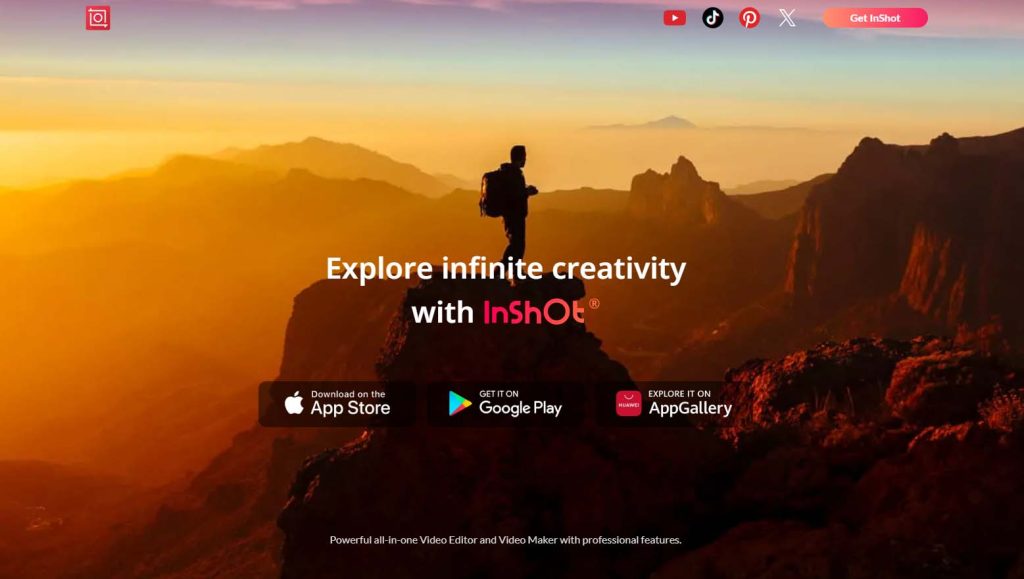
InShot is a popular video editing app that allows users to trim, merge, and edit videos seamlessly. With features like music addition, filters, and text overlays, it’s perfect for crafting polished Reels.
2. Canva
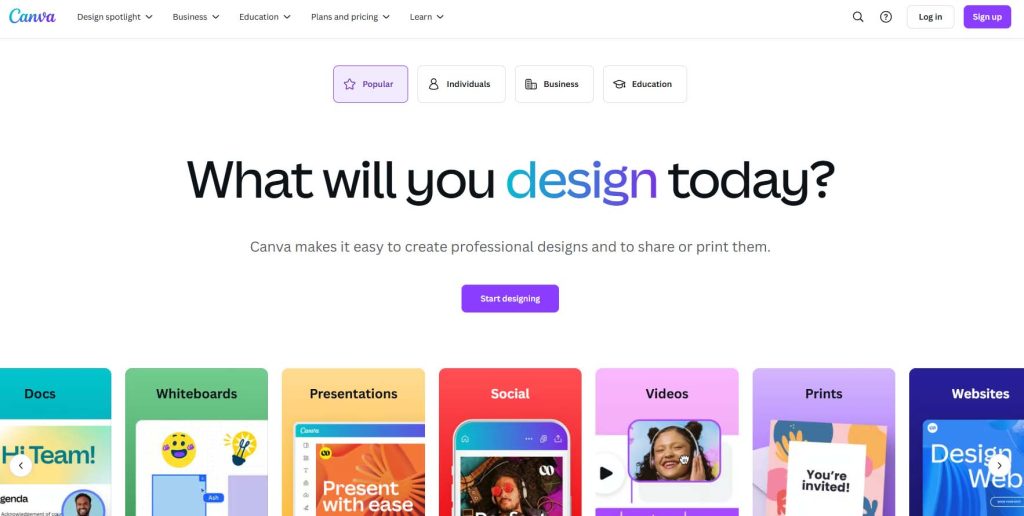
Canva’s video editing capabilities make it a versatile tool for creating Reels. It offers a range of templates and design elements that can help you create visually stunning content, even if you’re a beginner.
3. Adobe Premiere Rush
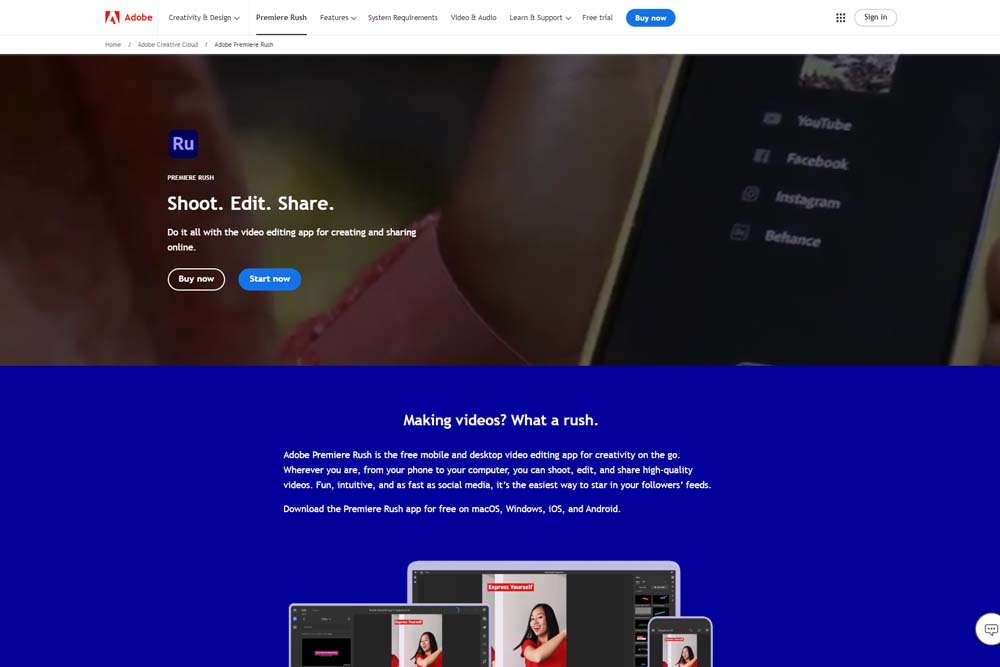
This mobile-friendly video editing tool from Adobe allows you to create professional-quality videos on the go. With its intuitive interface and advanced editing options, Adobe Premiere Rush is ideal for crafting high-quality Reels.
4. CapCut
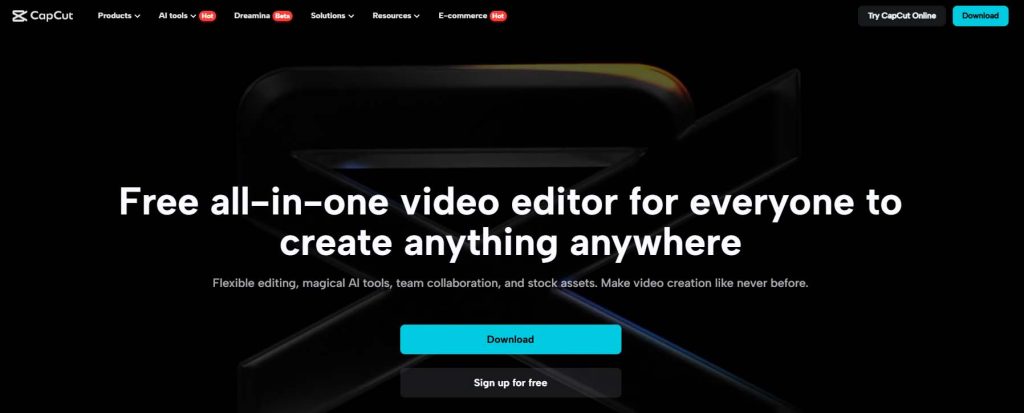
CapCut is a free video editing app that offers a range of creative tools, including transitions, speed adjustments, and filters. It’s particularly useful for creating dynamic and engaging Reels.
5. Mojo
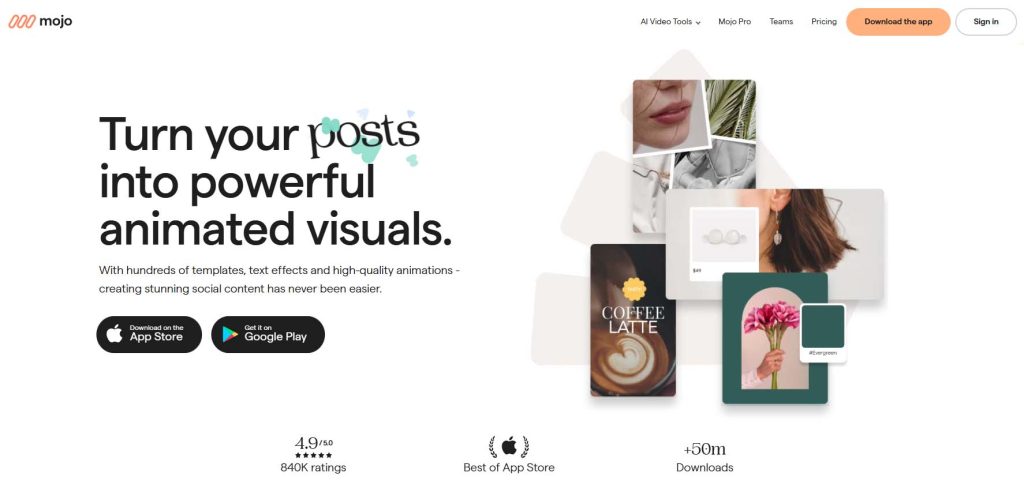
Mojo is a storytelling app that focuses on creating animated content. With its library of templates and effects, Mojo is an excellent tool for making visually striking Reels.
6. Unfold

Known for its minimalist designs, Unfold offers templates and editing tools to help you create cohesive and aesthetically pleasing Reels. It’s ideal for brands looking to maintain a consistent visual identity.
7. VSCO
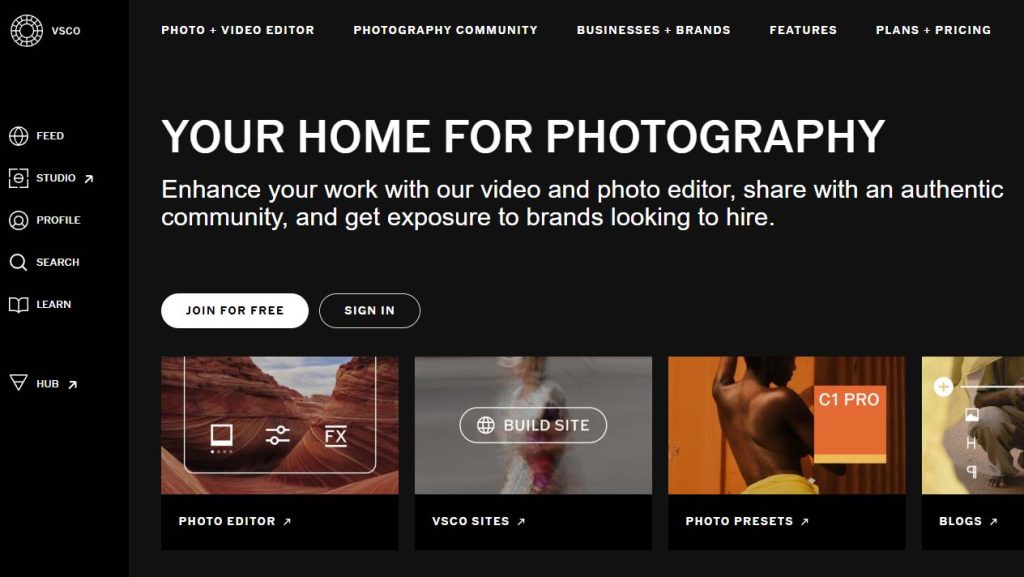
VSCO is a popular photo and video editing app that provides advanced filters and editing options. Its tools allow you to create Reels with a unique and professional aesthetic.
8. Hype Type
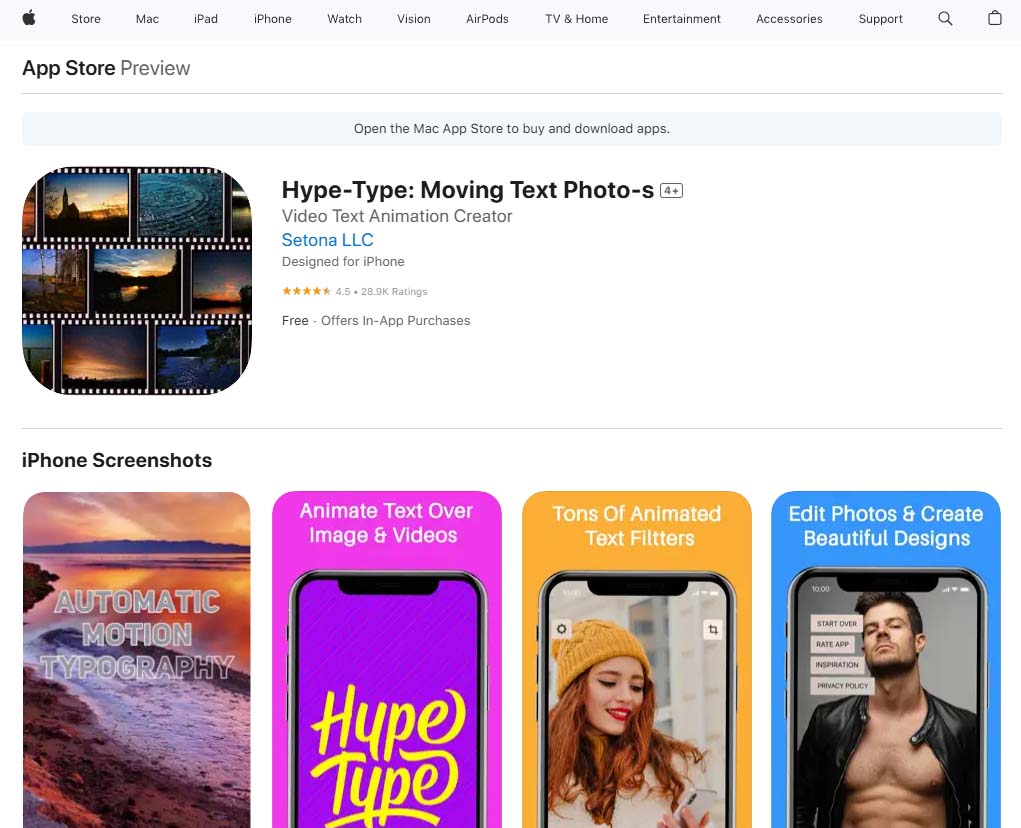
For adding animated text to your Reels, Hype Type is a go-to tool. It enables you to create eye-catching text animations that complement your video content.
9. Animoto
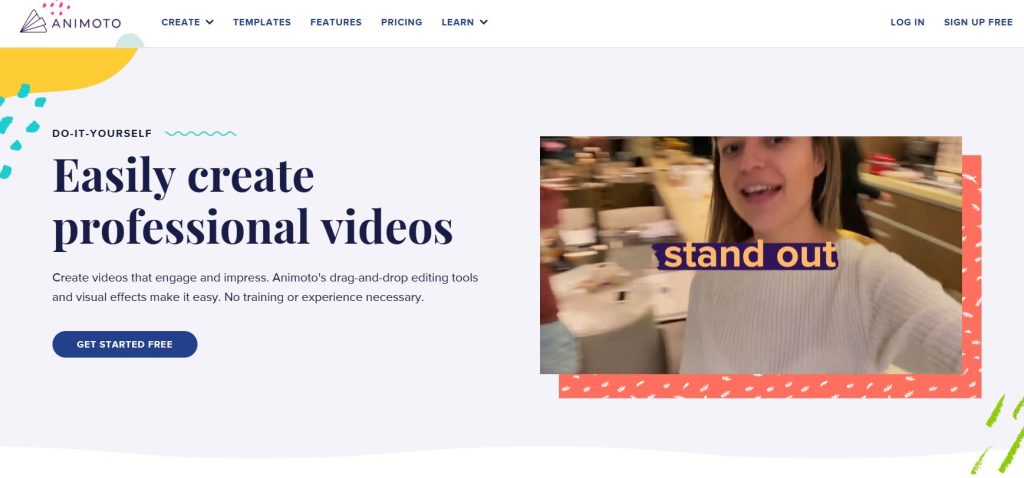
Animoto is a video-making platform that allows you to combine photos, videos, and music into engaging Reels. Its drag-and-drop interface makes it easy to use for beginners.
10. Splice
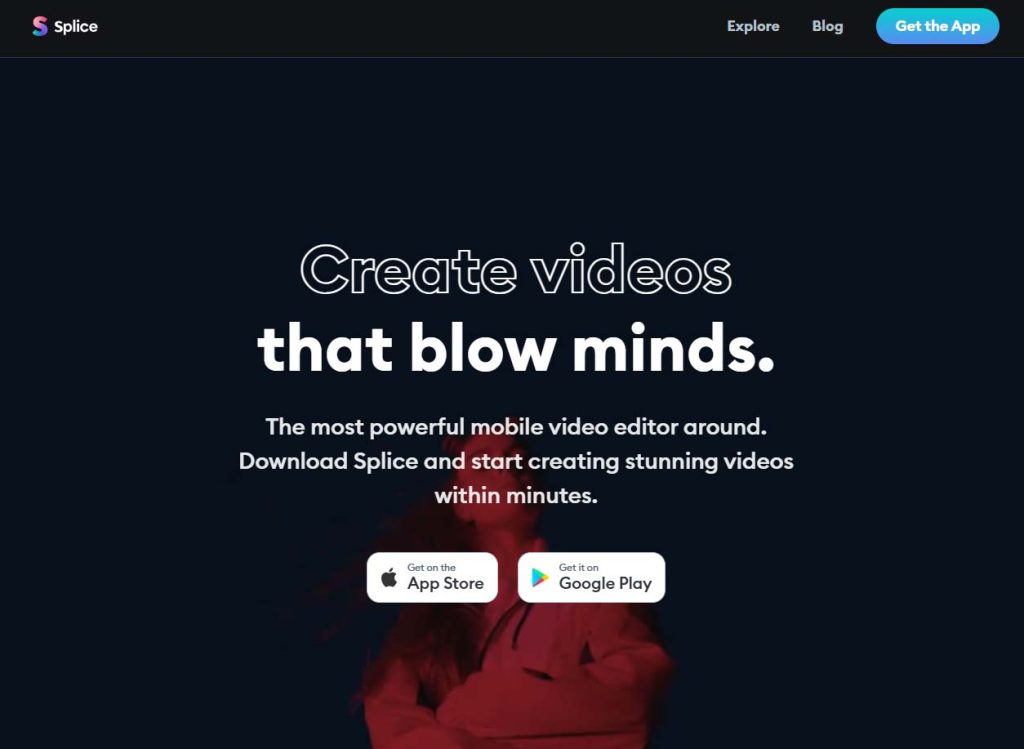
Splice is a video editing app that offers advanced tools like voiceovers, sound effects, and transitions. It’s perfect for creating professional-grade Reels.
Tips for Maximising the Impact of Instagram Reels

To ensure your Instagram Reels perform well and resonate with your audience, consider the following tips:
- Follow Trends: Use trending audio tracks and participate in challenges to make your Reels more discoverable.
- Keep It Short and Engaging: Capture attention within the first few seconds and keep your content concise.
- Use High-Quality Visuals: Ensure your videos are well-lit and visually appealing to maintain professionalism.
- Add Captions: Many users watch Reels without sound, so adding captions makes your content accessible to all.
- Include a Call-to-Action: Encourage viewers to like, comment, share, or visit your website through a clear call-to-action.
- Experiment with Formats: Test different styles of Reels, such as tutorials, behind-the-scenes content, or humorous skits, to see what resonates most with your audience.
- Post Consistently: Regularly uploading Reels keeps your audience engaged and improves your visibility on Instagram.
Conclusion
Instagram Reels are a powerful feature for boosting engagement, growing your audience, and showcasing creativity. With their short, dynamic format and emphasis on trends, Reels offer endless opportunities for storytelling and brand building.
By utilising tools like InShot, Canva, and Mojo, you can elevate your Reels and make a lasting impression.
Whether you’re an individual content creator or a business, embracing Instagram Reels can help you stay relevant in today’s fast-paced digital landscape.

