

A 404 error page is a standard HTTP response code that indicates that the page a user is trying to access cannot be found on the server. This can happen for various reasons, such as if a page were deleted, the URL was typed incorrectly, or the link to the page is broken.
While a 404 error page doesn’t necessarily mean something is wrong with your website, it does signal a frustrating experience for the user, as they can’t access the content they were expecting.

A standard 404 page simply informs users that the page they are looking for is unavailable. However, this can feel impersonal and unhelpful to visitors. Fortunately, many web designers now opt for custom 404 pages, which not only inform the user that the page is missing but also guide them back to important areas of the site, or even entertain them with humour or creativity.
A well-designed custom 404 page can be an essential part of your website’s user experience, providing useful options such as links to other relevant pages, a search bar, or even a call to action. With WordPress, there are several page builders that allow you to design and customise your 404 error page, transforming an inconvenience into an opportunity to keep users engaged.
Here are five WordPress page builders that support custom 404-page design:
1. Elementor Pro

Elementor Pro is one of the most popular and versatile page builders available for WordPress web developers. It allows users to create completely custom 404 error pages without the need for any coding knowledge. With Elementor Pro, you can use a wide variety of widgets, including buttons, text boxes, and image galleries, to design a unique 404 page that matches the style of your website.
To create a custom 404 page with Elementor Pro:
- Navigate to Templates > Theme Builder in the WordPress dashboard.
- Choose Add New Template, then select “404 Page” from the dropdown menu.
- Use Elementor’s drag-and-drop editor to create your custom 404 error page.
- Once satisfied, publish your new page, and Elementor will automatically apply it as the default 404 page on your site.
Elementor Pro also allows you to create dynamic content, meaning you can even use the 404 page as an opportunity to display recommended posts, products, or services to visitors.
2. Divi Builder
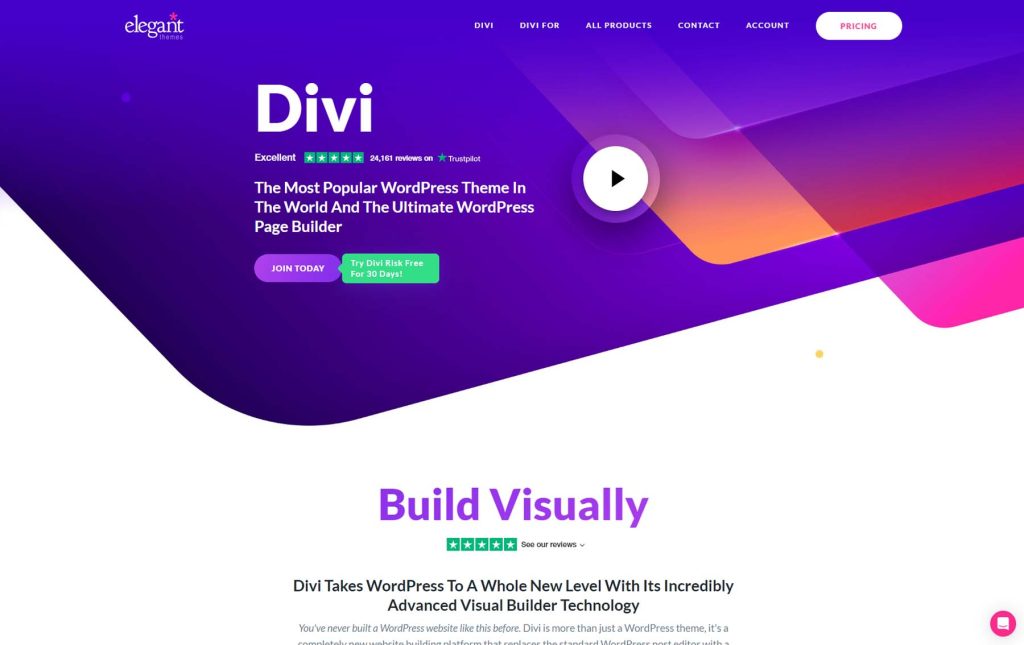
Divi Builder is another powerful page builder that allows you to design custom 404 pages with ease. It offers a range of drag-and-drop modules that let you add text, buttons, images, and more to create a personalised error page. Divi also has an intuitive interface, so you don’t need coding experience to build your custom design.
With Divi, you can design a 404 page that matches your website’s branding and offers navigation links to help users find what they’re looking for. Additionally, Divi supports A/B testing, which means you can test different versions of your 404 page to see which one performs best in keeping visitors on your site.
3. Beaver Builder
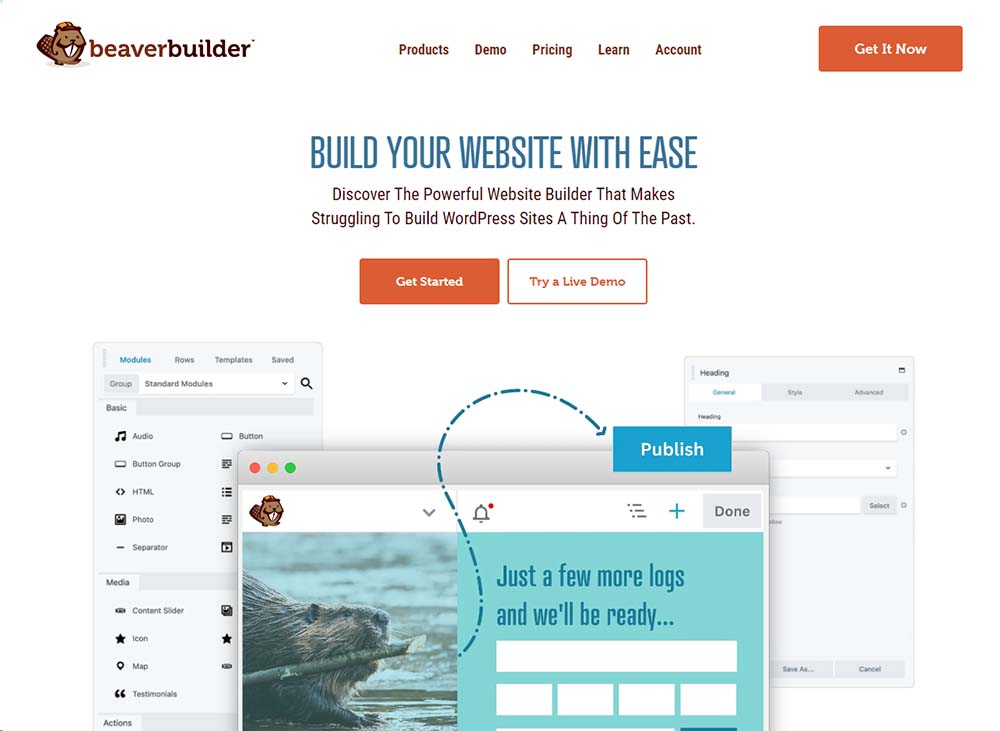
Beaver Builder is a popular and user-friendly WordPress page builder that also allows you to create custom 404 error pages. Its flexible drag-and-drop interface is perfect for both beginners and advanced users. With Beaver Builder, you can customise every element of your 404 page, from fonts and colours to layout and functionality.
To design a custom 404 page with Beaver Builder, you can create a new template and assign it to be your default 404 page using your theme’s settings or a plugin like 404page.
4. WPBakery Page Builder
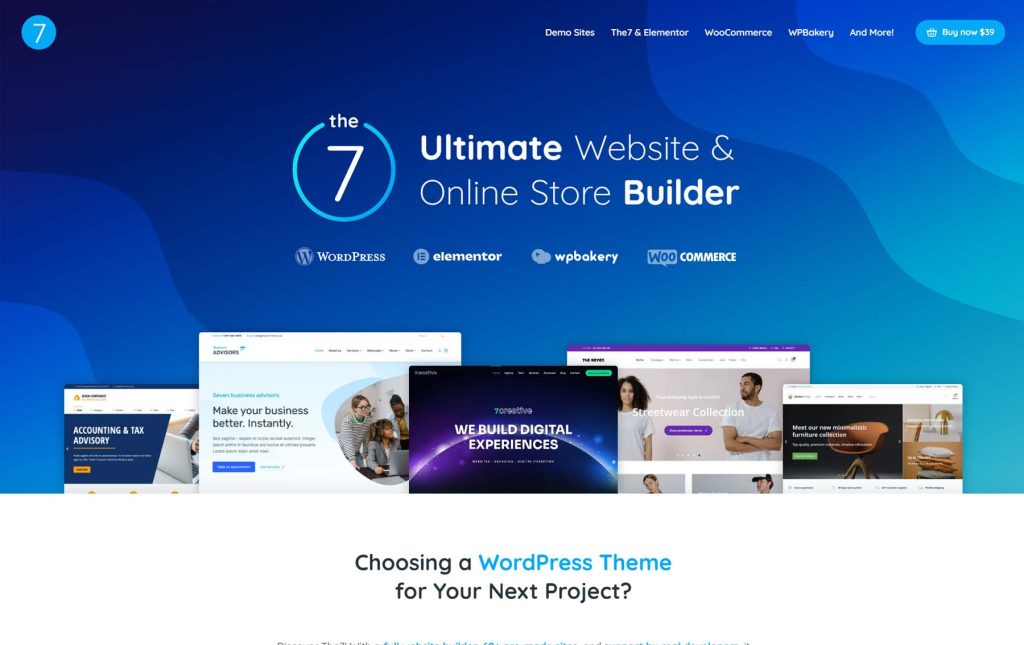
WPBakery Page Builder (formerly Visual Composer) is another robust tool for designing custom 404 error pages. With WPBakery, you can create a fully custom 404 page that incorporates visual elements such as animations, images, and text to keep users engaged, even if they land on an unavailable page.
WPBakery’s front-end editor allows you to see real-time changes as you design your 404 page, making it easy to experiment with different layouts and styles.
5. Thrive Architect
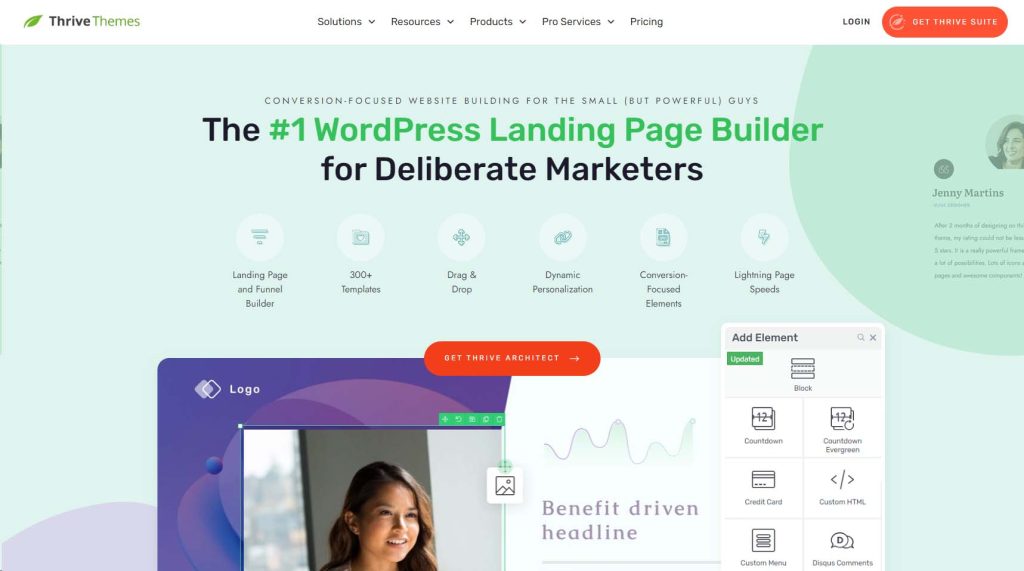
Thrive Architect is a WordPress page builder focused on conversion and user engagement. It includes features specifically designed to create pages that keep visitors on your site, even if they encounter a 404 error. Thrive Architect makes it easy to build a visually appealing and functional custom 404 page, complete with call-to-action buttons, search bars, and internal links to other pages.
With Thrive Architect’s focus on conversion, you can also add elements like lead generation forms, ensuring that even a 404 page has the potential to turn visitors into subscribers or customers.
Conclusion
A 404 error page doesn’t have to be a dead end for your website’s visitors. By using a WordPress page builder, you can design custom 404 pages that not only inform users that the page they are looking for is unavailable, but also provide helpful options to navigate the site.
From the versatility of Elementor Pro to the user-friendly interfaces of Divi Builder, Beaver Builder, WPBakery, and Thrive Architect, these page builders allow you to create a unique and engaging 404 error page that keeps users on your website and improves their overall experience.

