

In today’s fast-paced digital world, website performance is a critical factor for success. When it comes to website loading speed, every second counts. One technique that has gained popularity for enhancing the performance of WordPress websites is lazy loading.
This method optimises how images, videos, and other resources are loaded on a webpage, which can significantly improve user experience, increase page speed, and even boost SEO rankings.
In this article, we’ll explore what lazy loading is, why it’s important for WordPress websites, and how to implement it. We’ll also look at three hosting providers that offer lazy loading, three WordPress plugins to enable lazy loading, and three page builders that support lazy loading.
What is Lazy Loading?
Lazy loading is a web performance optimisation technique that delays the loading of certain elements (such as images, videos, and iframes) until they are needed. Instead of loading all the content when a webpage is initially accessed, lazy loading ensures that only the elements visible in the user’s viewport are loaded immediately. As the user scrolls down the page, additional content loads dynamically when it comes into view.
This approach is especially useful for websites with heavy visual content, such as blogs, e-commerce shops, or multimedia sites. Lazy loading improves load times, reduces bandwidth usage, and enhances user experience by preventing unnecessary content from being loaded upfront.
Why is Lazy Loading Important for WordPress Websites?
Lazy loading has several key benefits that make it an essential feature for WordPress websites, particularly those with image-heavy content:
Faster Page Load Times: One of the primary benefits of lazy loading is faster page loading. By deferring the loading of images and media that aren’t immediately visible, you can drastically reduce the initial page load time. Faster pages lead to a better user experience, lower bounce rates, and potentially higher conversions.
Reduced Bandwidth Usage: Lazy loading helps reduce the amount of data that needs to be loaded at once, which is especially beneficial for users on slower connections or mobile devices. Since images and other resources only load when they’re needed, users save bandwidth, and the site becomes more efficient.
Improved SEO: Page speed is a ranking factor for search engines like Google. Websites that load faster are more likely to rank higher on search engine results pages (SERPs). By implementing lazy loading, you improve the loading speed of your WordPress website, which in turn helps with SEO rankings.
Better User Experience: When your website loads faster, users are more likely to stay on it longer. Lazy loading ensures that visitors don’t have to wait for large files to load, providing a seamless experience. This can lead to increased user engagement and retention.
Hosting Providers that Offer Lazy Loading
Some web hosting providers include lazy loading as part of their performance optimisation features. Here are three hosting providers that offer lazy loading capabilities:
1. SiteGround

SiteGround is known for its focus on speed and security. One of the standout features of SiteGround hosting is its built-in support for lazy loading through its SG Optimizer plugin. The plugin offers lazy loading for images and iframes, which can significantly improve page load times. SiteGround’s hosting is optimized for WordPress, making it an excellent choice for users who want to enhance their website’s performance with minimal effort.
2. Bluehost

Bluehost, a leading hosting provider officially recommended by WordPress, offers lazy loading through its caching solutions and performance optimisation tools. Bluehost users can leverage lazy loading by integrating it with the Jetpack plugin, or by using custom optimisation settings available on their hosting plans. Bluehost is popular for its user-friendly interface and strong customer support.
3. WP Engine

WP Engine is a managed WordPress hosting provider known for its robust performance and scalability. WP Engine includes lazy loading as part of its comprehensive performance optimisation package. With built-in caching and lazy loading for images, WP Engine ensures your site loads quickly, even under heavy traffic conditions. WP Engine is ideal for high-traffic websites looking for advanced performance solutions.
WordPress Plugins for Lazy Loading
If your hosting provider doesn’t offer built-in lazy loading, or if you want more control over how lazy loading is implemented, you can use WordPress plugins to enable this feature. Here are three popular WordPress plugins for lazy loading
1. Lazy Load by WP Rocket
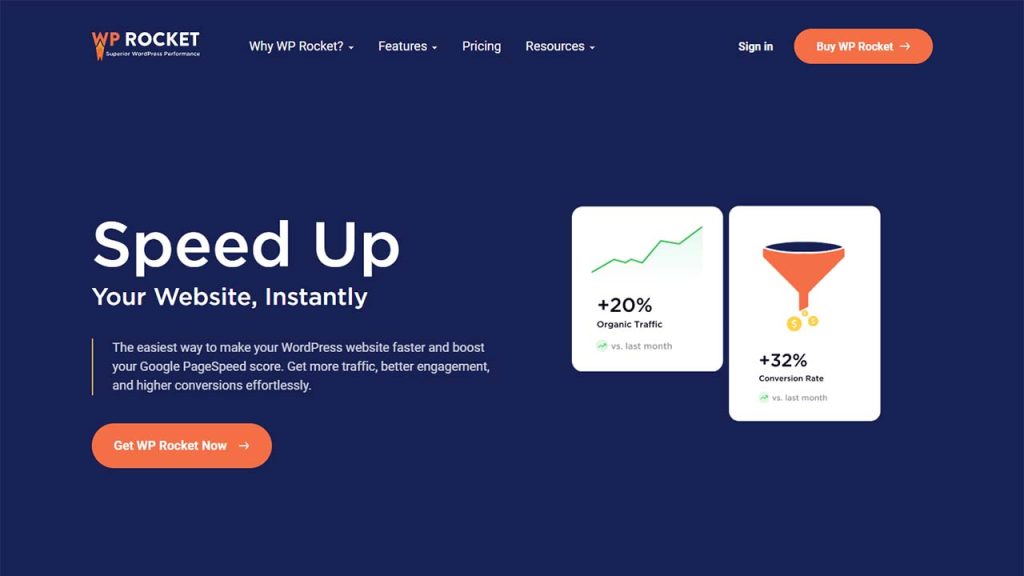
The Lazy Load by WP Rocket plugin is a lightweight and efficient solution for implementing lazy loading on your WordPress site. It works by replacing your images, iframes, and videos with lightweight placeholders that are only loaded when the user scrolls to them. This helps improve loading times and reduces the number of HTTP requests, which can further speed up your site. WP Rocket is known for its ease of use and performance enhancements.
2. a3 Lazy Load
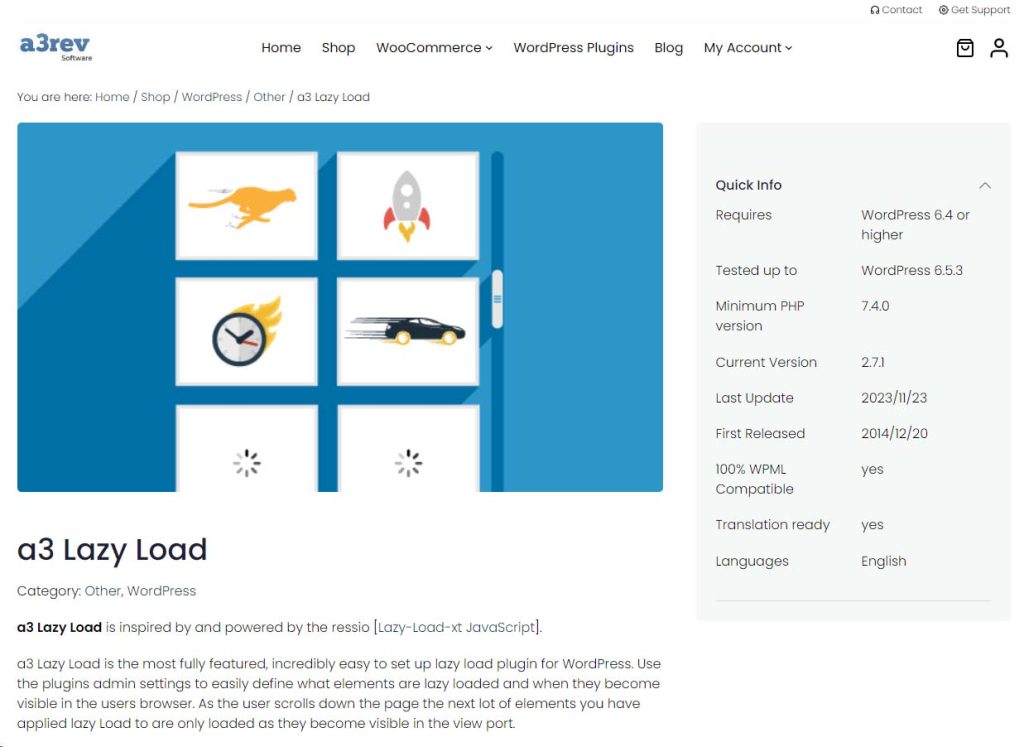
a3 Lazy Load is a powerful plugin designed to implement lazy loading for images, videos, iframes, and even background images. It’s particularly useful for mobile optimization, as it ensures that content is loaded efficiently across all devices. With its simple interface and robust functionality, a3 Lazy Load is an excellent choice for WordPress users looking for a comprehensive lazy loading solutions.
3. Smush
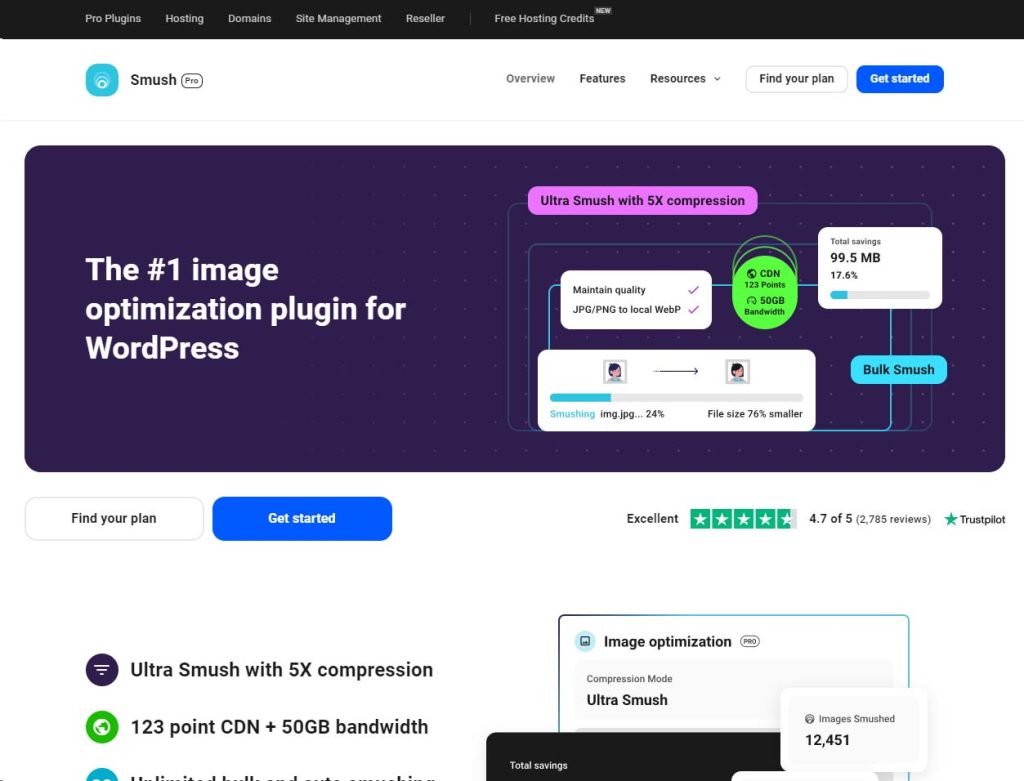
While Smush is primarily known for its image optimisation features, it also includes lazy loading as part of its toolkit. Smush allows you to optimize and compress your images while enabling lazy loading for faster performance. The plugin is easy to set up and comes with additional features like bulk image optimisation and resizing, making it a great all-in-one solution for media-heavy websites.
WordPress Page Builders that Support Lazy Loading
For those using page builders to design their WordPress websites, lazy loading can be an important feature to look for. Here are three popular WordPress page builders that support lazy loading:
1. Elementor Pro

Elementor Pro is one of the most popular WordPress page builders on the market, known for its flexibility and ease of use. Elementor Pro includes a built-in lazy loading feature, which helps optimise images and videos by loading them only when they come into view. The platform allows you to design visually appealing, fast-loading websites with minimal effort. Whether you’re building landing pages or full websites, Elementor Pro’s lazy loading ensures a smooth user experience.
2. Beaver Builder
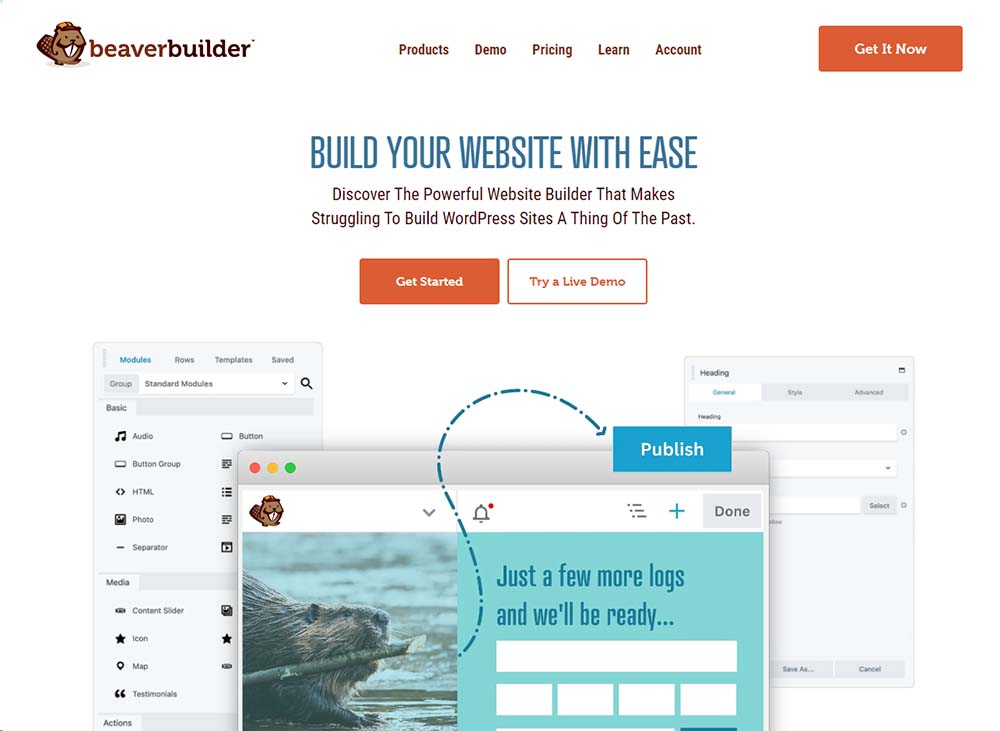
Beaver Builder is another popular drag-and-drop page builder that supports lazy loading for images and videos. With its lightweight code and focus on performance, Beaver Builder ensures that your site loads quickly while maintaining a high-quality design. Lazy loading is particularly useful for sites built with Beaver Builder, as it prevents media-heavy pages from becoming sluggish.
3. Divi Builder

Divi Builder by Elegant Themes is a feature-rich page builder that includes lazy loading as part of its performance optimisation features. Divi allows you to create visually stunning pages without sacrificing speed, as it ensures that images and other media are loaded only when needed. Divi’s lazy loading feature is particularly useful for long, content-rich pages, helping to improve both load times and user experience.
How to Enable Lazy Loading in WordPress
Enabling lazy loading in WordPress can be done in several ways, depending on your setup:
Via Hosting Provider: Some hosting providers, like SiteGround, offer lazy loading as part of their optimisation tools. Check your hosting plan to see if lazy loading is available and enable it through their dashboard or plugin.
Using a Plugin: If your hosting doesn’t offer lazy loading, you can install a plugin like Lazy Load by WP Rocket, a3 Lazy Load, or Smush to activate the feature. Simply install the plugin, configure the settings, and your site will begin lazy loading images and media.
Via Page Builders: If you’re using a page builder like Elementor Pro, Beaver Builder, or Divi, you can enable lazy loading directly through the page builder’s settings or by optimising individual page elements.
Conclusion
Lazy loading is a highly effective technique for improving the performance of WordPress websites, particularly those with a lot of media content. By delaying the loading of images and other resources until they’re needed, lazy loading helps reduce load times, save bandwidth, and improve user experience.
Whether you choose to enable lazy loading through your hosting provider, a plugin, or a page builder, it’s a powerful way to optimise your WordPress site for both speed and SEO.
Hosting providers like SiteGround, Bluehost, and WP Engine, along with plugins like Lazy Load by WP Rocket and page builders like Elementor Pro, offer easy ways to integrate lazy loading into your site and ensure that your pages load quickly and efficiently.

