pankaj shah
Do you want an awesome website for your business?

Windows Tutorials

Upgrade your Windows 11 knowledge with these free tutorials, improve your business skills and make your life a little easier with these useful tips.

In this video tutorial, I will show you How to Use Split Screen on Windows 11 for Multi-Tasking.
Did you know that Microsoft Windows 10 has a free speech to text tool which you can use to create content for your website? Writing lots of content can be a laborious task, so being able to dictate content using speech and convert it directly into text on your website can save you huge amounts of time. I often use the free Microsoft speech to text tool to create blog content for my website. I can even use this tool directly in Microsoft Word when I'm creating website design specifications.
In this video tutorial, I will show you how to download and install themes for windows 10. Why not have a nice looking wallpaper on your Windows 10 computer with only a few simple mouse clicks?
In this video tutorial, I will show you how to Enable Windows 10 Dark Mode. We will do these by changing the colour settings on Windows 10.
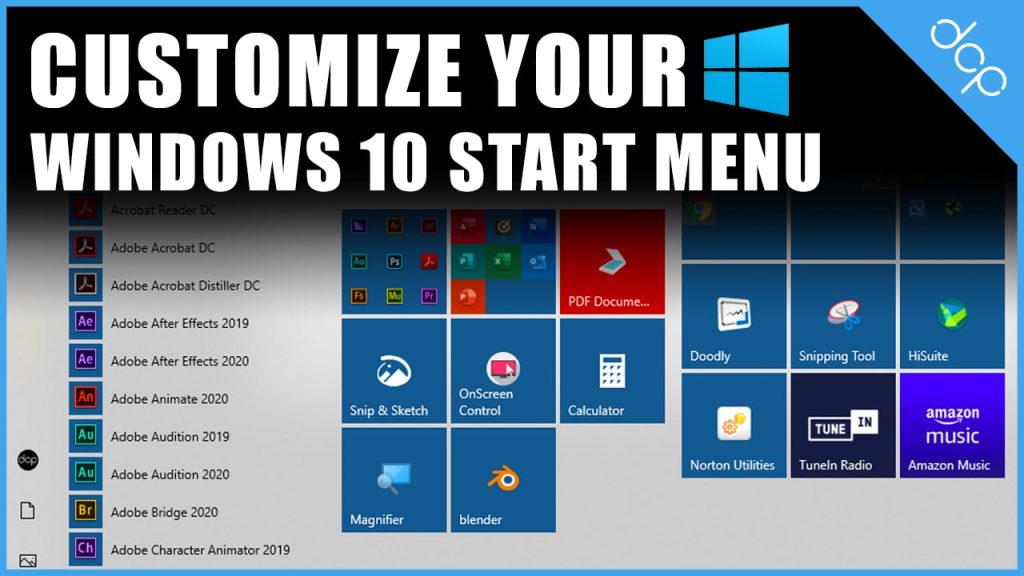
In this video tutorial, I will show you how to Customize Your Start Menu in Windows 10. This tutorial is useful if you want super fast access to your applications. I like to organise my start menu so I can access the applications with a few simple mouse clicks.
In this video tutorial, I will show you how to install free Fonts on Windows 10. Finding free fonts you can use on your artwork projects is super simple.there are lots of websites where you can download free fonts. In this tutorial, we will download fonts from Font Squirrel.
In this a free video tutorial, I will show you how to install Open Broadcaster (OBS Studio) on Window 10. You can use OBS to live stream video content on YouTube or use Open Broadcaster to screen capture your computer screen. I use OBS to record all my tutorials which I upload to DCP's eLearning YouTube Channel.
In this video tutorial, I will show you how to use the Windows 10 snipping tool. The snipping tool is super useful if you simply want to screen capture your computer screen, a specific part of an image, document or web page. You can then make comments or highlight parts of the image for reference. You can quickly send the image using popular email applications with a few simple mouse clicks.

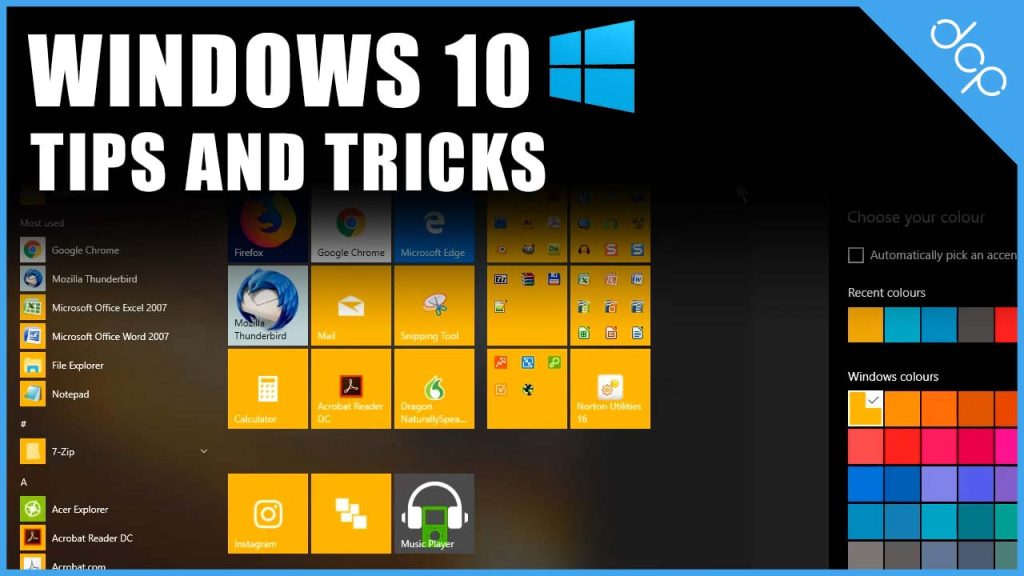
In this video tutorial, I will show you some useful windows Windows 10 Tip & Tricks Tutorial. These tips will help you work efficiently when using Window 10 in desktop mode. Speed up your workflow by simply watching the video above!
In this video tutorial, I will show you how to add a custom desktop background on Windows 10. Why not make your Windows 10 desktop unique by adding a custom desktop background or background slide show. Adding a custom desktop background is a simple process using Windows customisation tools. So make your very own custom desktop background today by simply following the video tutorial above.
In this video tutorial, I will show you how to create an email signature on Window 10 mail. Window 10 mail is the free software application included on your Windows 10 computer. I see Window 10 mail for my personal emails but it is also good to have a signature added which saves time when composing emails.
In this video tutorial, I will show you how to ping a website using Windows Command Prompt. This is a useful process when you are migrating websites between different website hosting providers. You're probably viewing this video tutorial because you have recently completed a website migration to a new hosting company. The problem is when you migrate a website you need to understand when the migration process has completed.
This is a free video tutorial. In this video tutorial, I will show you how to organise your applications on Windows 10 Creator. I recently downloaded the latest version of Windows 10 Creator and found some great new features which I hope you will find useful as well. In this tutorial, I will cover the first feature and show you how to create application folders on your Windows 10 start menu.
In this tutorial, I will show you how to boot Windows 8.1 into desktop mode. Booting windows 8.1 into desktop mode can be very useful if you're a business owner. In most cases, you want to view your desktop rather than the windows tile interface. This tutorial will show you how to automatically to your Windows computer into desktop mode.
This is a tutorial giving you a quick update for Windows 8.1 Update 1. In the last Window 8 tutorial, we did a full overview of the operating system. Windows has recently released the 8.1 updates so I decided to create this additional tutorial to show you new features available.
This tutorial is suitable for anyone who is just starting to use Windows 8 or Windows 8.1 and needs a quick beginners guide. As you may be aware there are some major differences between Windows 7 and Windows 8. The goal of this tutorial is to give your full overview of the new features available in Windows 8.1.
As default Windows 8 will hide filename extensions when you're viewing them on your computer. This can be especially frustrating if you are a web developer. Often I need to view and edit file name extensions so I decided to create this tutorial to show you how you can view and edit filename extensions on Windows 8.
In this tutorial, I will show you how to create application short cuts on Windows 7. Creating shortcuts to applications or folders on your computer can give you a simple and easy way to access files which you use on a regular basis. I often create shortcuts to the most used folders and applications on my computer to save me time.
In this video tutorial, I will show you how to organise your Window 8 Metro Start screen tiles.
In this video tutorial, I will show you how to Search in Windows 8 Store.