Learn about motion effects using popular tools such as Adobe After Effects. Add some creative flair to your next video editing project and upgrade your motion effect skills.
Premiere Pro for Beginners Tutorial - Adobe Premiere Pro is a professional video editing software used by videographers, journalists, and other professionals to create and edit video content.
Adobe After Effects Tutorials, Motion Graphics, Videos
How to animate a watermark logo in Premiere Pro: In this video tutorial, I will show you how to add your logo to a video as a watermark in Premiere Pro 2022 and I will show you how to animate the logo.
In this video tutorial, I will show you how to add a background image in Adobe Premiere Pro. If you want to add a background image in Adobe Premiere Pro, then this is the simple tutorial you need. In this video tutorial, I will show you how to add an image background and overlay videos on top

In this video tutorial, I will show you how to import Adobe After Effects composition into Adobe Premiere Pro. Importing your After Effects composition directly into Adobe Premier can save lots of time when editing video content and adding effects.
Adobe After Effects Tutorials, Motion Graphics, Videos
In this video tutorial, I will show you how to create a YouTube subscribe animation using Adobe After Effects After Effects is a powerful animation tool. In this tutorial, I will give a step by step guide on how to create an animated YouTube subscribe video.
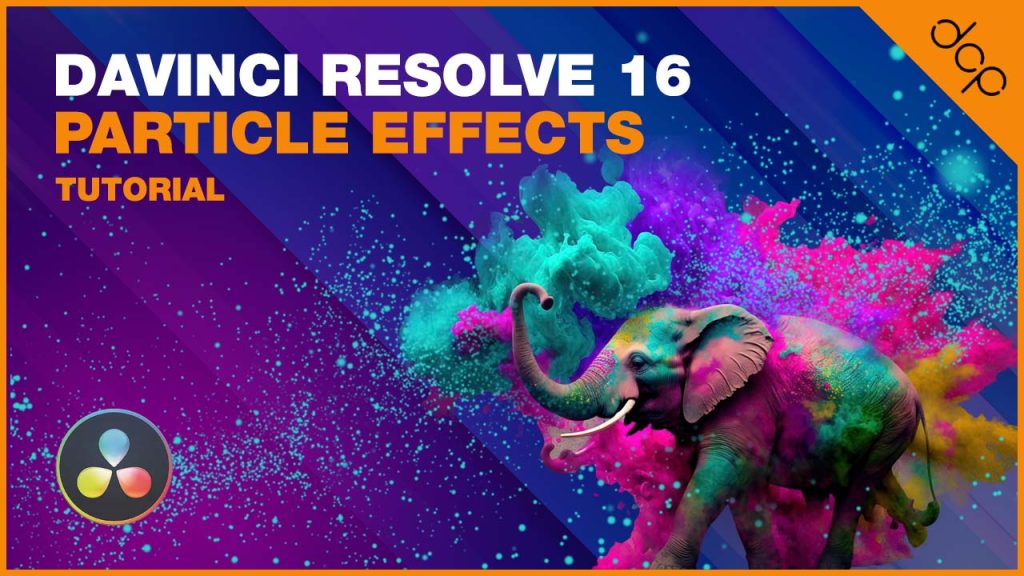
In this tutorial, I will show you how to create particle effects from still images using DaVinci Resolve 16. We will use the Fusion VFX node editor to create the particle effects.